Did you know that you could lose your rankings and Buy Box position if your product goes out of stock? Even if you are generating massive sales and hitting stockouts on Amazon, that does not mean you are winning.
Oftentimes, when sellers move so much inventory that they go out of stock, they celebrate because they think demand is strong. However, stockouts on Amazon also mean lost momentum, wasted advertising dollars, and competitors stepping into your spot.
In this blog, our Amazon agency breaks down exactly how to handle stockouts on Amazon without crushing your long-term performance. We also explain the most common mistakes sellers make and the best practices to protect rankings, ad spend, and sales velocity.
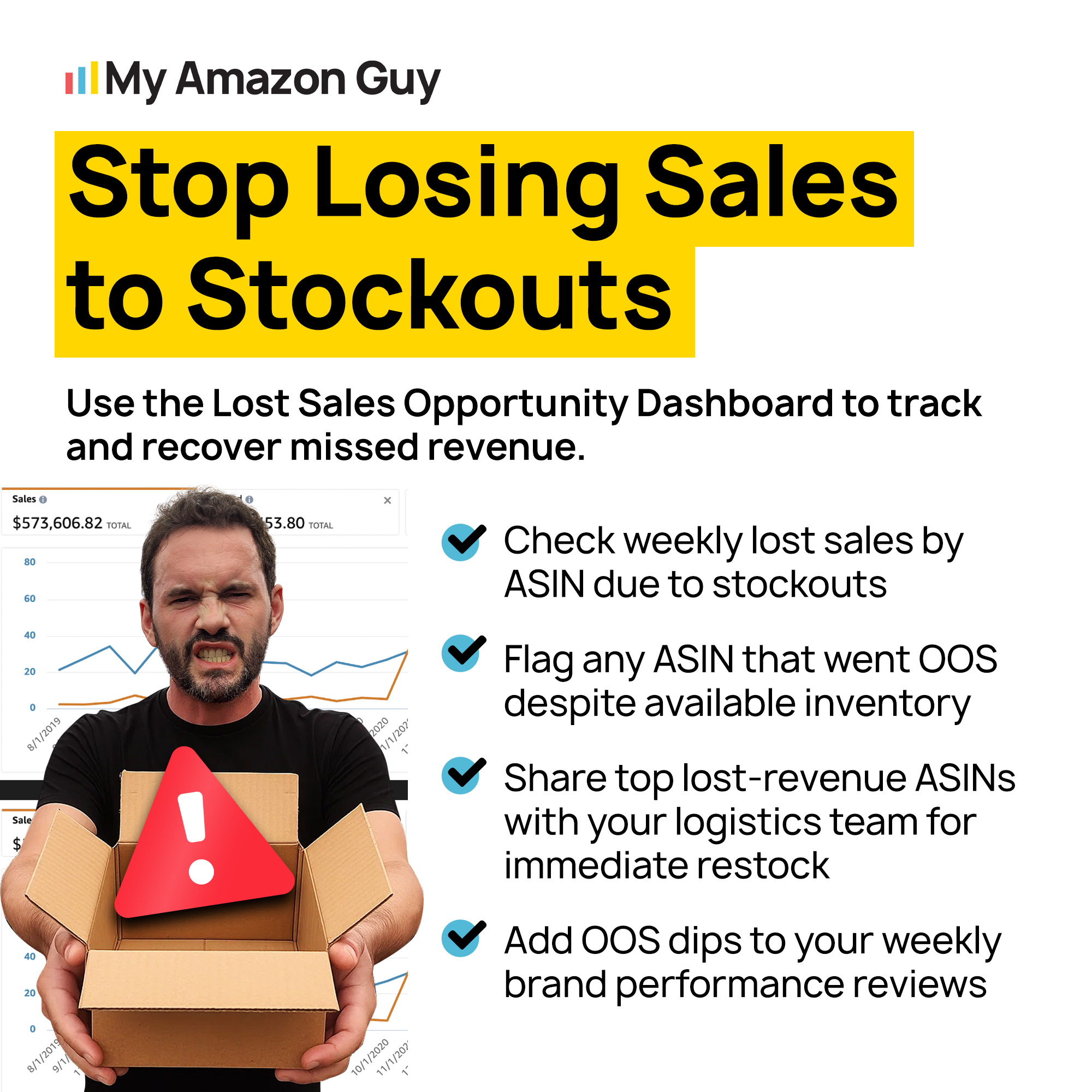
Stop Losing Sales From Stockouts
We help Amazon sellers manage stock, pricing, and ads to prevent revenue loss.
Why Stockouts on Amazon Should Never Happen
Stockouts on Amazon are more than just missed sales since they can seriously damage your listing’s rankings. When your inventory hits zero, your sales velocity stops instantly, causing your Best Seller Rank (BSR) to drop and making it harder to recover once you restock.
Being out of stock also leaves you vulnerable to market changes while you wait for inventory. Competitors can restock and claim top placements, and shifting demand might force you to spend more on marketing and pricing just to regain visibility.
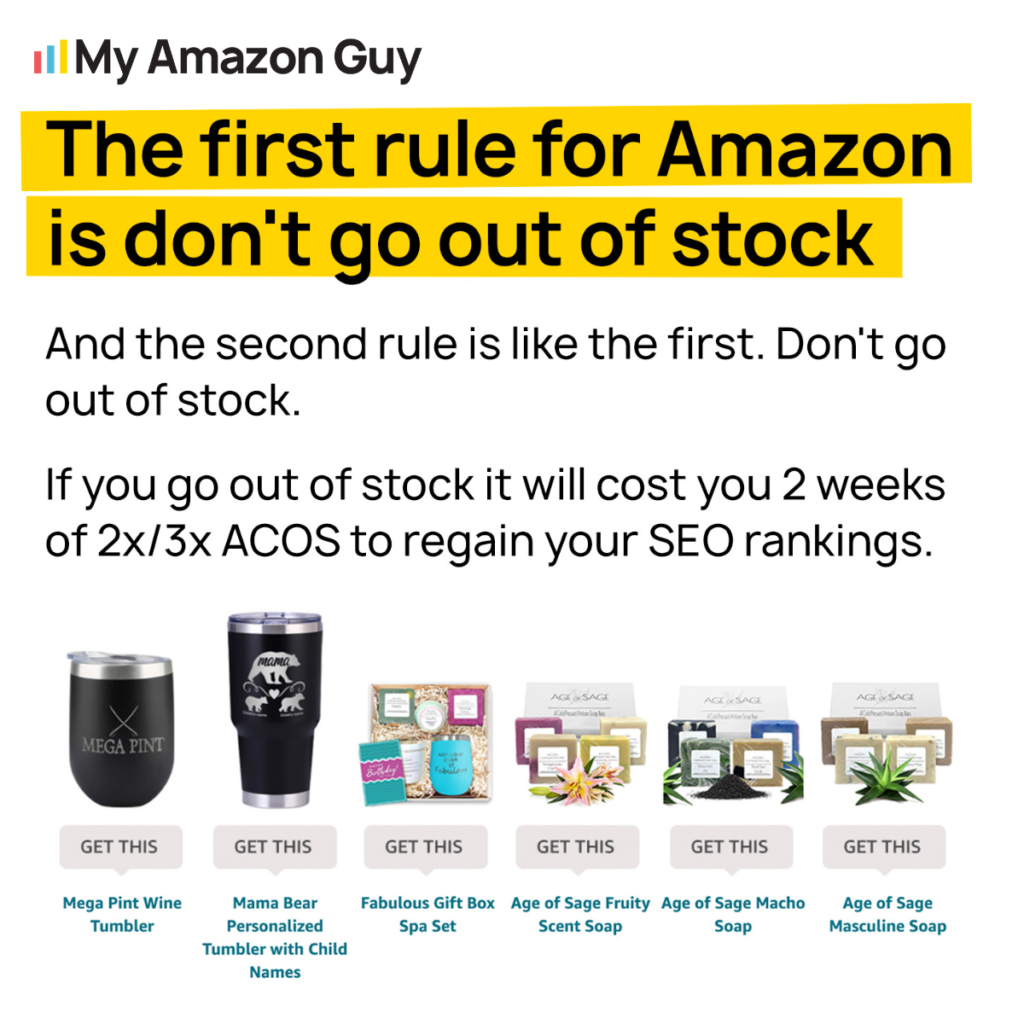
Common Mistakes When Handling Stockouts on Amazon
When sellers experience a stockout on Amazon, they often make mistakes that hurt sales, rankings, and ad spend. Learning about these missteps is critical to preparing a strategy or avoid the mistakes altogether.
1. Sudden Large Price Hikes
Many sellers try to slow sales by increasing prices too much at once. Jumping more than 10% in a single change can trigger Amazon to remove your Buy Box, leaving your listing buried in the “Available from these sellers” section.
2. Waiting Too Long to Pause Ads
Sellers often keep PPC campaigns running until the last unit sells. This wastes money and accelerates the stockout, which actually harms your listing rather than helping it.
3. Attempting Pre-Sales on Amazon
Some sellers assume they can offer pre-orders while inventory is in transit. Amazon does not allow this, so relying on FBA pre-sales only leads to lost revenue and frustrated customers.
4. Closing Listings Incorrectly
Sellers frequently mismanage the “Close Listing” option. Closing a variation in a parent-child family does not preserve BSR, while failing to close a standalone listing can let ranking data decay unnecessarily.
5. Relying on Brand Registry for Inventory Protection
Some believe Brand Registry protects them during a stockout. In reality, it only helps with content and traffic; it does nothing to prevent lost sales or ranking drops when inventory runs out.
6. Counting on a Honeymoon Period After Restock
New sellers often expect rankings to bounce back automatically after restocking. Amazon’s honeymoon period only applies to brand-new listings, so returning inventory requires rebuilding momentum manually.
Best Practices for Handling Stockouts on Amazon
There are proven strategies that sellers can use to slow down sales, protect rankings, and minimize losses during a stockout. By implementing these steps, sellers can maintain visibility, preserve their Best Seller Rank, and reduce wasted ad spend while waiting for inventory.
1. Gradually Raise Prices to Slow Sales
When a stockout is coming, raise your price immediately, but in small increments of no more than 10% at a time. Wait 1-2 days between increases and monitor the Buy Box, lowering the price slightly if you lose it before trying again.
2. Pause Advertising Immediately
Stop all PPC campaigns as soon as a stockout is confirmed. Paying for clicks on your last few units only accelerates depletion and wastes marketing dollars.
3. Close Standalone Listings, Keep Variations Open
If the item is a standalone listing, consider closing it to potentially “freeze” your BSR and limit ranking damage. For products in a parent-child variation, keep the listing open because the BSR is shared and returns could reactivate it.
4. Avoid Release Date Hacks for Old Items
Do not change the “Offer Release Date” to try to restart a honeymoon period for restocked items. This tactic only works for brand-new listings and provides no benefit for items returning to stock.
5. Monitor FBA Check-In Carefully
Once your shipment reaches Amazon, it enters check-in limbo, sometimes showing as “Available in X days”. Understanding this helps you plan for when sales can resume without assuming your inventory is immediately live.
6. Use Off-Platform Pre-Sales If Needed
Since Amazon does not allow pre-sales for FBA, sellers can capture early orders through their own websites, like Shopify. This provides a way to keep revenue flowing while waiting for your container to arrive.
What to Do When You’re Out of Stock on Amazon
Stockouts on Amazon can cost you sales, damage your rankings, and leave competitors taking your top spots. By raising prices gradually, pausing ads, and managing your listing correctly, you can slow the bleed and minimize the long-term impact of running out of inventory.
Are you struggling to manage inventory, preserve your Buy Box, or recover after going out of stock on Amazon? Contact our full-service Amazon agency and let us help protect your rankings, optimize your listings, and keep your sales on track.
Preserve Your Best Seller Rank
Learn strategies to maintain your rankings and Buy Box even when products run out.