
Did you know that you can create an Amazon return policy for your products to protect your profits and improve customer experience? Sellers can set their own rules for FBM orders, manage shipping costs, and limit refund abuse, and every seller should take advantage of this control.
Selling on Amazon means dealing with high return rates that can quickly eat into margins, and with Amazon’s default rules in place, knowing that you can adjust your policy is a huge advantage. A well-crafted return policy helps reduce unnecessary refunds and keeps your account in good standing.
The good news is that sellers can customize their return windows, conditions, and shipping rules to match their business needs. But not many sellers know this, which is why returns often cost more than they should.
In this blog, we talk about why an Amazon return policy matters and what sellers must know for FBM and FBA orders. Our Amazon agency also provides step-by-step instructions, common mistakes, and actionable tips to create a policy that works for your business.
Table of Contents
Optimize Your Amazon Return Settings
Ensure your FBM returns are handled efficiently to save time and reduce costs.
Why Your Amazon Return Policy Matters More Than You Think
An Amazon return policy is crucial for protecting both shoppers and sellers, giving buyers confidence while helping sellers manage risk. In fact, a survey found that 93% of consumers review a retailer’s return policy at least occasionally before making a purchase online, which shows just how much it impacts buying decisions.
Beyond customer trust, a well-crafted return policy directly affects account health, sales, and brand reputation. Properly managing returns can reduce A-to-Z Guarantee claims, prevent account penalties, and even turn potentially negative experiences into opportunities to improve your listings and products.
Default Amazon Return Policy: FBA vs FBM
There is already an Amazon return policy in place for both FBA and FBM sellers. The table below shows the key differences in a simple, easy-to-skim format:
| Aspect | FBA | FBM |
|---|---|---|
|
Who Handles Returns |
Amazon |
Seller |
|
Refund Timing |
Immediate at carrier scan |
Usually at first scan |
|
Return Labels |
Provided by Amazon |
Seller must use prepaid labels |
|
Restocking Fees |
Not allowed |
Allowed for damaged/used items |
|
Inventory Handling |
Amazon inspects and restocks |
Seller inspects, restocks, or disposes |
|
Claims & Protections |
120-day window for damaged/missing items |
SAFE-T claims if refund window missed |
|
Policy Customization |
No |
Yes |
FBM Seller Amazon Return Policy Requirements
Since Amazon FBM sellers can customize some parts of their return process, there are strict rules they must follow. Sellers cannot create a policy that breaks Amazon’s core requirements.
- Accept returns for at least 30 days from delivery.
- Match Amazon’s extended Q4 return window.
- Use Amazon-prepaid labels for all returns, including high-value items.
- Provide a valid domestic return address for each SKU.
- Inspect and refund returned items within 2 business days via Guided Refund Workflow.
- SAFE-T claims are only valid if the refund rules are followed.
- Special rules apply for hazmat, heavy furniture, digital products, or health items.
- Track return rates and adjust listings to reduce unnecessary returns.
Steps to Create an Amazon Return Policy
Changing or updating your Amazon return policy is as simple as long as you follow Amazon’s core rules and stay within Seller Central. You cannot reduce the minimum 30-day return window or opt out of prepaid labels, but you can adjust workflows and rules to fit your operations.
- Log in to Seller Central.
- Click the Settings (gear icon) and select Return Settings.
- Edit your Return Address to make sure returns go to the correct warehouse.
- Choose RMA Settings: Use Amazon’s RMA or provide your own for internal tracking.
- Set Returnless Refund Rules: Refund low-value items without shipping them back.
- Update Exemptions for specific SKUs like Hazmat, heavy, or high-value items.
- Apply Restocking Fees during the refund process using Guided Refund Workflow, uploading photos of damaged or used items.
- Save all changes and monitor your return metrics regularly.
Protect Profits With Smart Return Rules
Set returnless refunds and restocking fees to prevent unnecessary losses on low-value items.
Mistakes to Avoid When Creating an Amazon Return Policy
When making changes or edits to your Amazon return policy, there are certain mistakes that can hurt your business. Sellers should avoid these errors to prevent financial loss, negative feedback, or policy violations.
1. Violating Amazon’s Mandatory Policies
Trying to set rules stricter than Amazon’s minimum 30-day return window or skipping prepaid labels can trigger policy violations. This can lead to account warnings, A-to-Z claims, or legal penalties.
2. Being Vague or Unclear
Ambiguous language like “returns at our discretion” confuses customers and increases disputes. Not clearly stating who pays for return shipping can frustrate buyers and hurt your seller metrics.
3. Making Policies Too Strict
Overly strict policies (no exchanges or returns) turn away customers and reduce conversion rates. Ignoring alternatives like store credit or returnless refunds can leave revenue on the table.
4. Not Configuring Returnless Refunds
Failing to set rules for inexpensive items increases shipping costs and reduces profit. Low-cost items should often be refunded without requiring a return.
5. Overlooking Return Address Requirements
Sellers must provide valid domestic return addresses. Without them, Amazon forces returnless refunds, which can cost you products and money.
Tips for Creating an Amazon Return Policy
Creating an Amazon return policy for FBM sellers is about setting rules in Seller Central that control how returns are handled. By following these tips, sellers can ensure their policy is compliant, cost-effective, and improves customer experience.
1. Set Up Automatic Approval
Enable Amazon to automatically authorize all standard returns. This ensures compliance with Amazon’s rules and reduces manual work.
2. Use Returnless Refunds for Low-Value Items
Create rules for inexpensive items to refund without requiring a return. This saves on shipping costs and prevents unnecessary losses.
3. Provide a Valid Domestic Return Address
Ensure all returns are sent to a U.S. address if selling in the U.S. Without it, Amazon forces returnless refunds, which can cost you products.
4. Configure Exceptions for Special Items
For Hazmat, oversized, or high-value products, set exceptions in Return Attribute Overrides. This allows manual review and prevents automated label errors.
5. Apply Restocking Fees via Guided Refund Workflow
Use the GRW to deduct up to 50% for damaged or used returns. Upload photos of the item, packaging, and SKU to protect your reimbursement rights.
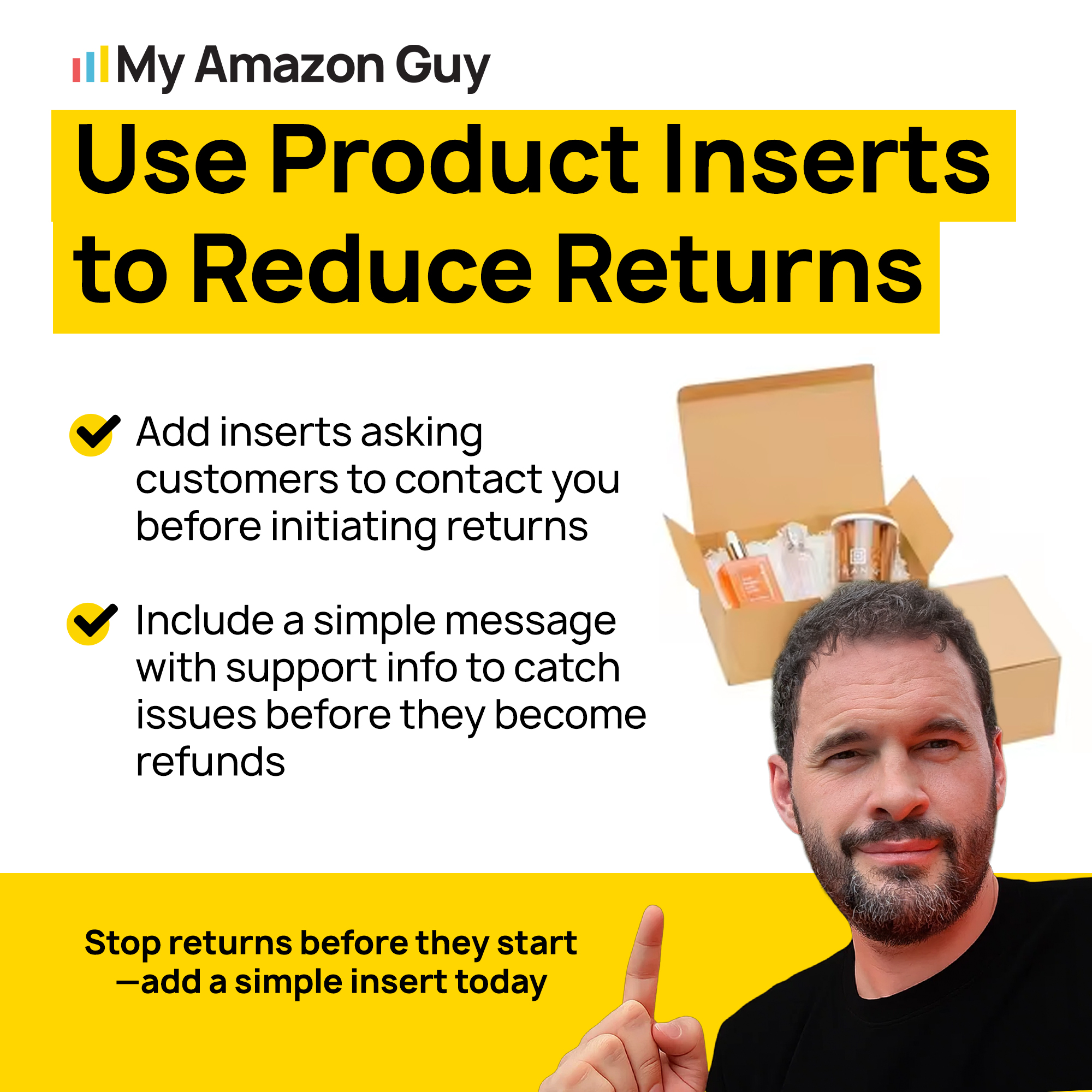
FAQs About Creating an Amazon Return Policy
What makes an effective return policy on Amazon?
An effective policy is clear, compliant with Amazon’s rules, and tailored to your operations. It sets automated workflows, offers returnless refunds for low-value items, and handles exceptions properly.
How can a good return policy increase customer trust?
Customers feel confident buying when they know returns are simple and predictable. This reduces hesitation, increases conversions, and lowers disputes or negative feedback.
What are the common pitfalls in Amazon return policies?
The main mistakes are being too vague, making policies overly strict, and failing to set up returnless refunds or correct return addresses. These errors increase costs, hurt account health, and can trigger Amazon penalties.
Master Your Amazon Returns
A great Amazon return policy is a tool to protect your profits and control your operations. Setting clear rules for FBM orders, using returnless refunds, and applying restocking fees correctly can prevent unnecessary losses and maintain account health.
A well-crafted policy also builds customer trust and reduces disputes. By following Amazon’s mandatory guidelines and configuring your return workflows properly, sellers can minimize refunds, speed up processing, and keep customers satisfied.
Are you ready to take full control of your Amazon returns and safeguard your margins? Contact our full-service Amazon agency and let our experts help you create a policy that maximizes efficiency and boosts your bottom line.
Simplify FBM Returns Management
Let our experts configure your return workflows for faster processing and fewer disputes.