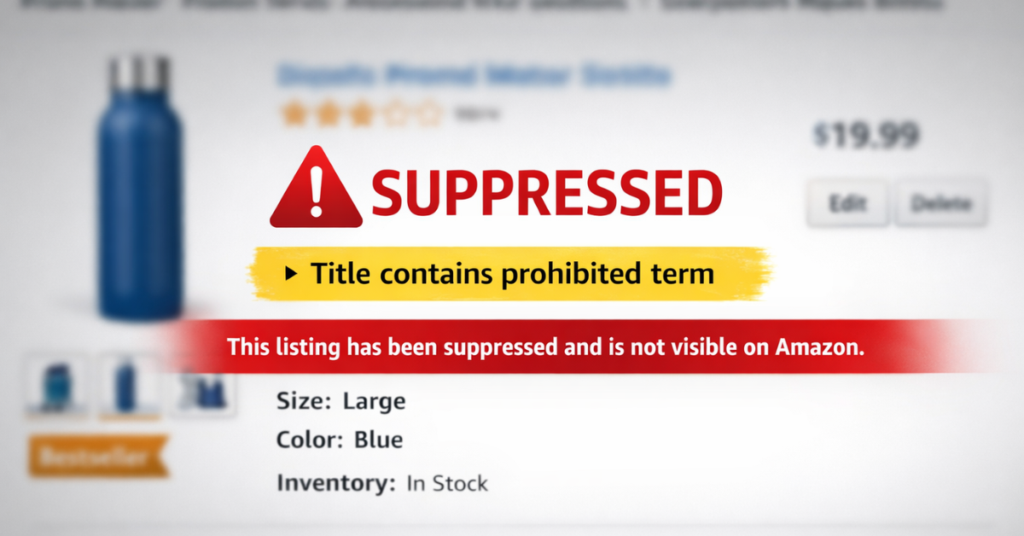
Are you sure you don’t have a suppressed Amazon listing right now? If you’re not actively checking, you could be losing sales every single day without knowing why your traffic suddenly dropped.
When it comes to a suppressed Amazon listing, the problem is rarely obvious, and Amazon doesn’t always spell out what went wrong. This results in stalled sales, wasted ad spend, and sellers scrambling to fix issues they didn’t even know existed.
In this article, our Amazon agency breaks down how hidden listing suppressions happen and why they catch so many sellers off guard. We also explain what triggers them, how to spot them faster, and what smart sellers do to reduce the risk before revenue takes a hit.
Get Your Suppressed Listings Back Online
Don’t let hidden suppressions drain your sales; our team can quickly identify the issue and restore your listings to active status.
Why Hidden Amazon Listing Suppressions Usually Happen
Hidden Amazon listing suppressions often occur when sellers log into Seller Central and suddenly see listings inactive without a clear explanation. Amazon may flag a title, image, or variation detail, but the warning is often vague, leaving sellers unsure what actually caused the issue.
In many cases, the trigger is something small inside the title that Amazon quietly starts enforcing, even if it worked fine before. This leads to listings going down, sales stopping, and sellers spending hours testing changes or contacting Seller Support, often without getting a clear answer.
What Sellers Can Do to Avoid Getting Their Amazon Listing Suppressed
There are ways for sellers to reduce the risk of having a suppressed Amazon listing. By following these careful practices, sellers can protect their listings and minimize the chance of sudden downtime.
1. Be Cautious With Title Wording
Even words that haven’t caused problems before can trigger a suppression unexpectedly. Avoid marketing phrases or words that might be flagged, like “gift,” which has been identified as a suppression trigger.
2. Limit Front-Facing Changes
Making mass updates to titles, brand names, or variations increases the risk of Amazon flagging listings. Small, incremental edits are safer than sweeping catalog changes.
3. Handle Parent-Child Variations Carefully
Variation or parentage changes can affect listings if done too aggressively. Any parent updates should be approached cautiously, as improper adjustments can trigger hidden suppressions.
4. Be Extra Careful With High-Risk Categories
Products in health, wellness, or regulated categories face more scrutiny from Amazon. Avoid including claims or regulated terms like “FDA”, even if technically accurate, to prevent triggering hidden rules.
5. Follow Amazon Guidelines, But Expect Unpredictability
Published policies don’t always match enforcement patterns. Regularly review title and listing rules, but understand that Amazon may enforce hidden requirements that aren’t documented.
How to Resolve Hidden Amazon Listing Suppressions
Even when you take every precaution, listings can still become suppressed unexpectedly. When this happens, sellers need a clear step-by-step approach to troubleshoot and fix the issue.
1. Check the Suppression Details
Click on the suppression in Seller Central to see what Amazon flagged. This red alert often points to the problematic element, like a title with prohibited phrases.
2. Edit Titles Incrementally
Make small edits to listing titles, testing one change at a time. In one case, simply removing the word “gift” from 22 listings immediately restored them from suppressed to active.
3. Review and Rebuild Parentage
Suppression can sometimes stem from parent-child listing relationships. Deleting and carefully rebuilding the parent listing can resolve conflicts, especially with color or variation swatches.
4. Contact Amazon Seller Support
If edits alone don’t work, reach out to Seller Support for guidance. Be prepared for multiple calls or tickets, as agents may not immediately know the cause and might advise waiting.
5. Monitor Updates After Changes
Once edits or parentage fixes are made, allow Amazon time to process them. Titles, variations, and reviews can take 24-48 hours to fully update, so monitor listings closely during this period.
6. Use Professional Reinstatement Services
For persistent suppressions, Amazon agencies like ours offer specialized listing reinstatement services. They identify the root cause, make precise fixes, and can restore listings in as little as 24-48 hours.

Take Control of Your Suppressed Amazon Listing
Hidden suppressions can catch any seller off guard, from prohibited phrases in titles to parentage conflicts and subtle catalog errors. By understanding why suppressions happen, taking careful preventative measures, and knowing how to troubleshoot step by step, you can protect your listings and keep your products active and visible.
Need help reinstating your suppressed Amazon listing? Contact our full-service Amazon agency and let our team of experts quickly identify the issue, make precise fixes, and get your listings back to active status so you can stop losing sales.
Protect Your Listings from Suppressions
Learn how to prevent unexpected listing downtime with proven strategies and expert guidance.