Last Updated: January 9, 2026
Have you ever received a customer return with no order number? Then you should know how to use the Amazon RMA ID to track the original order and keep your records straight.
Part of selling on Amazon is handling returns from shoppers who forget packing slips or provide incomplete information, and that’s just the way it is. When sellers get these returns, Amazon assigns an RMA ID for each return so you can match it to the correct order.
However, not many sellers know what to do with an RMA ID or even where to find it. That can create confusion, delay refunds, and make tracking inventory much harder than it needs to be.
Our Amazon agency will explain what an Amazon RMA ID is, why it matters, and how sellers can use it to track customer returns without order details. We also show sellers how proper Amazon RMA ID management helps prevent refund issues, inventory errors, and return-related losses.
Table of Contents
Stop Losing Money on Returns
Ensure every refund and replacement is accurately documented with RMA tracking.
What Is an Amazon RMA ID and How Does It Work
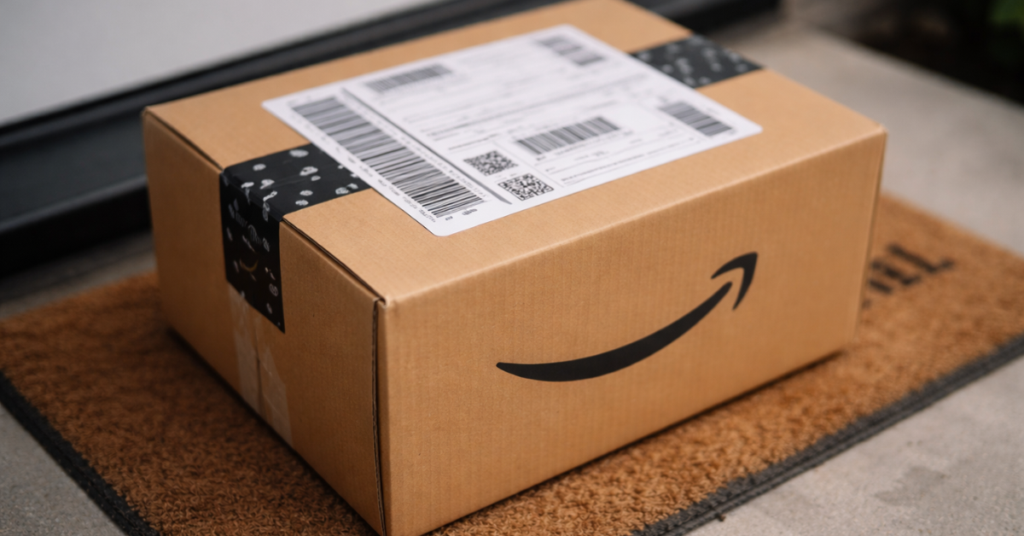
An Amazon RMA (Return Merchandise Authorization) ID is a unique code generated when a customer returns an item. It usually appears as a barcode and numeric string on the outer shipping label of the return package, serving as the main identifier for that specific return.
The RMA ID is used by sellers to track and manage returned products accurately. Since average return rates can range up to 30% for e-commerce sellers, having a reliable system to reference each return is critical to maintaining accurate records and inventory.
Beyond logistics, the RMA ID helps prevent misunderstandings between sellers and buyers. It provides a clear reference for returns, protects refund accuracy, and supports smooth Amazon account operations.
When Do Sellers Actually Need an Amazon RMA ID
There are several situations where you will need an Amazon RMA ID, and understanding each one is important to make sure returns are tracked, refunds are accurate, and disputes are avoided. Knowing when to use the RMA ID helps you stay organized and protect your account.
Here are the situations where an Amazon RMA ID is needed:
- Receiving a returned item with no packing slip or order number
- Manually approving a return for a seller-fulfilled (FBM) order
- Issuing a custom RMA ID to sync with internal inventory or tracking software
- Handling policy-exempt returns for non-returnable or high-value items
- Reconciling returns in bulk for accounting and inventory verification
- Filing Safe-T claims or damage disputes for returned items
- Tracking replacements for seller-fulfilled orders
- Preventing disputes and creating a clear audit trail for refunds or returns
How to Look Up Amazon RMA ID on Seller Central
Looking for an Amazon RMA ID on Seller Central is simple, but some sellers struggle because they don’t know where to start or which method to use. By understanding the available tools, you can quickly match returns to orders and keep your records accurate.
1. Use the Quick Search in Manage Returns
Log in to Seller Central and go to the Orders tab, then select Manage Returns. Change the filter dropdown to RMA ID, paste the number, and click Search to see the return details instantly.
2. Adjust the Date Range if Needed
If your RMA ID doesn’t show up, modify the date range from “Last 30 Days” to “Last 365 Days” to cover a wider period. This ensures older returns or delayed entries appear in your search results.
3. Use the Returns Report for “Mystery Packages”
Navigate to Reports > Return Reports and select the All Returns tab to generate a report. Choose a date range for when the return was likely shipped, request the report, and download the TSV file to check the RMA IDs.
4. Open and Search the Report
Open the TSV file in Excel or Google Sheets and locate the column labeled Amazon RMA ID. Use Ctrl + F (or Cmd + F on Mac) to find your RMA ID, then check the corresponding Order ID in the same row.
5. Check FBA Customer Returns
For FBA returns, go to Reports > Fulfillment and select FBA Customer Returns under Customer Concessions. Enter the RMA ID or the LPN barcode from the return to view the item’s disposition and reason for return.
6. Review the Return Details
Once you locate the RMA ID, you can see full return details, including the customer, order information, and any comments. This helps ensure proper processing, refunds, and inventory updates.
Simplify Amazon Return Management
We help sellers organize and manage returns to prevent inventory errors.
What Are the Most Common Amazon RMA ID Issues Sellers Run Into
When handling Amazon returns, sellers often experience problems tied to missing or misused RMA IDs. There are many ways these issues show up, especially when return volume starts to grow.
1. Returned Packages With No Order Information
Sellers sometimes receive a return with no packing slip or order number, leaving only the RMA ID on the label. This delays refunds and inventory updates because the return cannot be tied to a specific customer right away.
2. Customers Sending Back the Wrong Item
Some returns involve customers sending back a different or used item than what was originally purchased. This creates losses for sellers when the RMA ID is not properly documented or linked during disputes.
3. Safe-T Claims Missing Required RMA Details
Sellers may file claims for damaged or incorrect returns without properly referencing the RMA ID. This often results in denied claims, even when the seller has valid evidence.
4. Refunds Issued Before the Return Is Received
In some cases, customers are refunded as soon as the return is scanned by the carrier. If the package is lost in transit, sellers can lose both the product and the refund without proper RMA tracking.
5. Consolidated Returns With Multiple RMA Labels
Returns may arrive in bulk shipments containing items from different sellers, each with its own RMA label. This creates inventory confusion and increases the risk of mismatched refunds or missing reimbursements.
Best Practices for Managing Amazon RMA IDs
There are ways for Amazon sellers to stay organized and reduce return-related confusion using Amazon RMA IDs. Although returns cannot be fully avoided, sellers can follow proven practices to keep refunds, inventory, and claims under control.
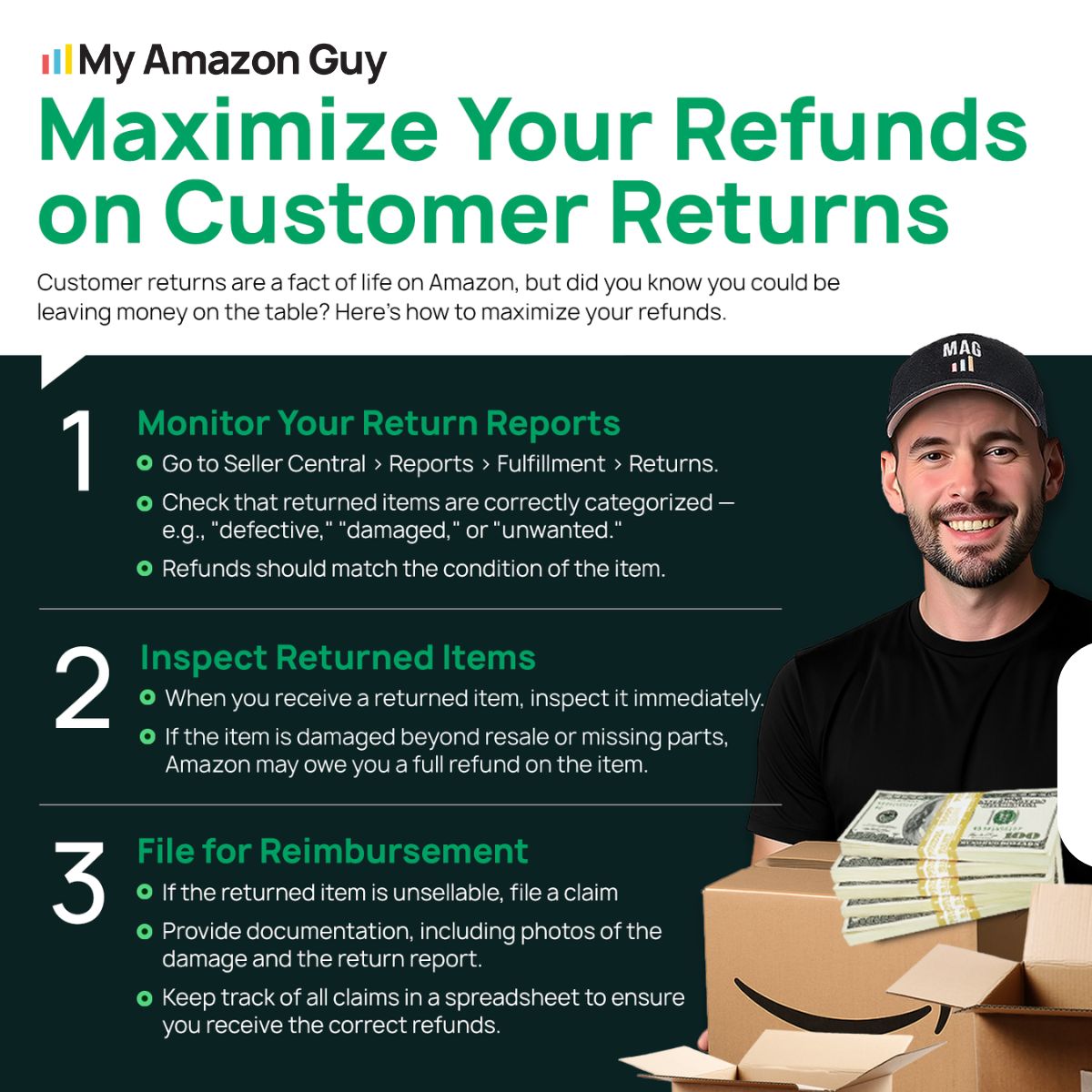
1. Document Every Return With Clear Photos
Always capture the RMA ID on the shipping label before opening a returned package. Missing photo evidence can weaken refund disputes and lead to denied claims.
2. Keep a Centralized RMA Tracking File
Maintaining a single return log helps sellers quickly match incoming returns to existing RMA IDs. Without centralized tracking, sellers waste time searching reports and risk mislabeling inventory.
3. Monitor Refunds Issued Before Returns Arrive
Some returns are refunded before the package reaches the seller, which creates risk if the item never arrives. Poor RMA monitoring can result in lost inventory and unrecoverable refunds.
4. Expand Search Filters When Looking Up RMA IDs
RMA IDs may not appear if Seller Central filters are set to a short date range. Sellers often assume the return does not exist, leading to missed follow-ups or unresolved discrepancies.
5. Review RMA Data for Return Patterns
Each RMA ID includes valuable return reason data that can highlight product or listing issues. Ignoring these patterns allows repeat problems to continue draining profit.
FAQs About Amazon RMA ID
What should I do when a customer return has no order ID?
The Amazon RMA ID on the return label is your key to identifying the return. By referencing it, sellers can link the item to the right order and prevent delays in processing refunds.
Is an Amazon RMA ID the same as an Amazon Order ID?
No, an Amazon RMA ID is a return-specific identifier and is different from the Order ID. It exists to track the return itself, not the original purchase transaction.
Do FBA and FBM returns use Amazon RMA IDs the same way?
Both use RMA IDs, but the return process and visibility differ between FBA and FBM. Sellers should expect different tracking methods depending on who fulfills the order.
Turn Amazon RMA IDs Into a Return Advantage
Dealing with customer returns is already a hassle, and it becomes even more frustrating when packages arrive with no clear order details. The good thing is that knowing how Amazon RMA IDs work gives sellers a reliable way to track returns and keep records accurate.
When return volume increases, small mistakes around RMA IDs can quickly turn into refund delays and inventory problems. Learning the basics of Amazon RMA IDs helps sellers stay organized and avoid preventable losses.
Don’t know what to do with confusing returns or missing order details? Contact our full-service Amazon agency and let our experts handle return tracking, refunds, and account management for you.
Protect Your Account Health
Avoid disputes and refund delays by mastering RMA ID processes with our guidance.