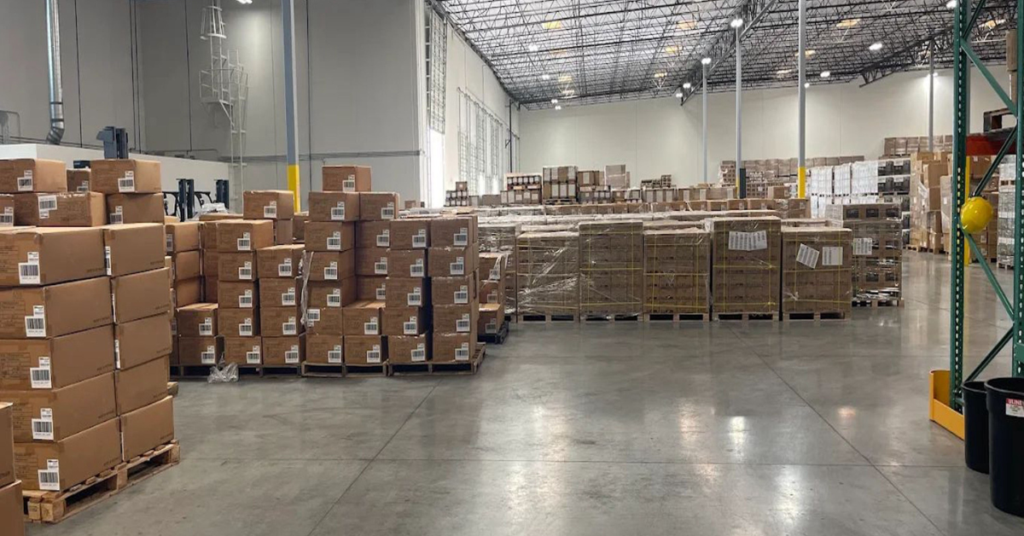
Did you know that unsold FBA inventory can quietly drain your profits month after month? But there’s one proven way to solve this issue: by creating strategic Amazon removal orders.
There are times when sellers need to clear inventory because products stop selling or listings run into policy issues. This is because most FBA accounts build up aged stock faster than expected, especially after season changes or pricing shifts.
At times like these, it is a good thing that sellers can place an Amazon removal order to take back control of their inventory. But when not done correctly, this can damage a shop’s cash flow and create extra costs instead of savings.
In this article, we explain how Amazon removal orders help sellers manage inventory, avoid long-term storage fees, and recover value from slow-moving or damaged products. Our Amazon agency also shows best practices and step-by-step guidance to ensure sellers create removals effectively.
Table of Contents
Simplify Amazon Removals Now
Our experts guide you through every step of FBA removal orders to avoid costly mistakes.
What Is an Amazon Removal Order and How Does It Work
An Amazon removal order is a tool FBA sellers use to take inventory out of Amazon’s fulfillment centers. It allows sellers to return, dispose of, or liquidate products that are slow-moving, damaged, or no longer sellable.
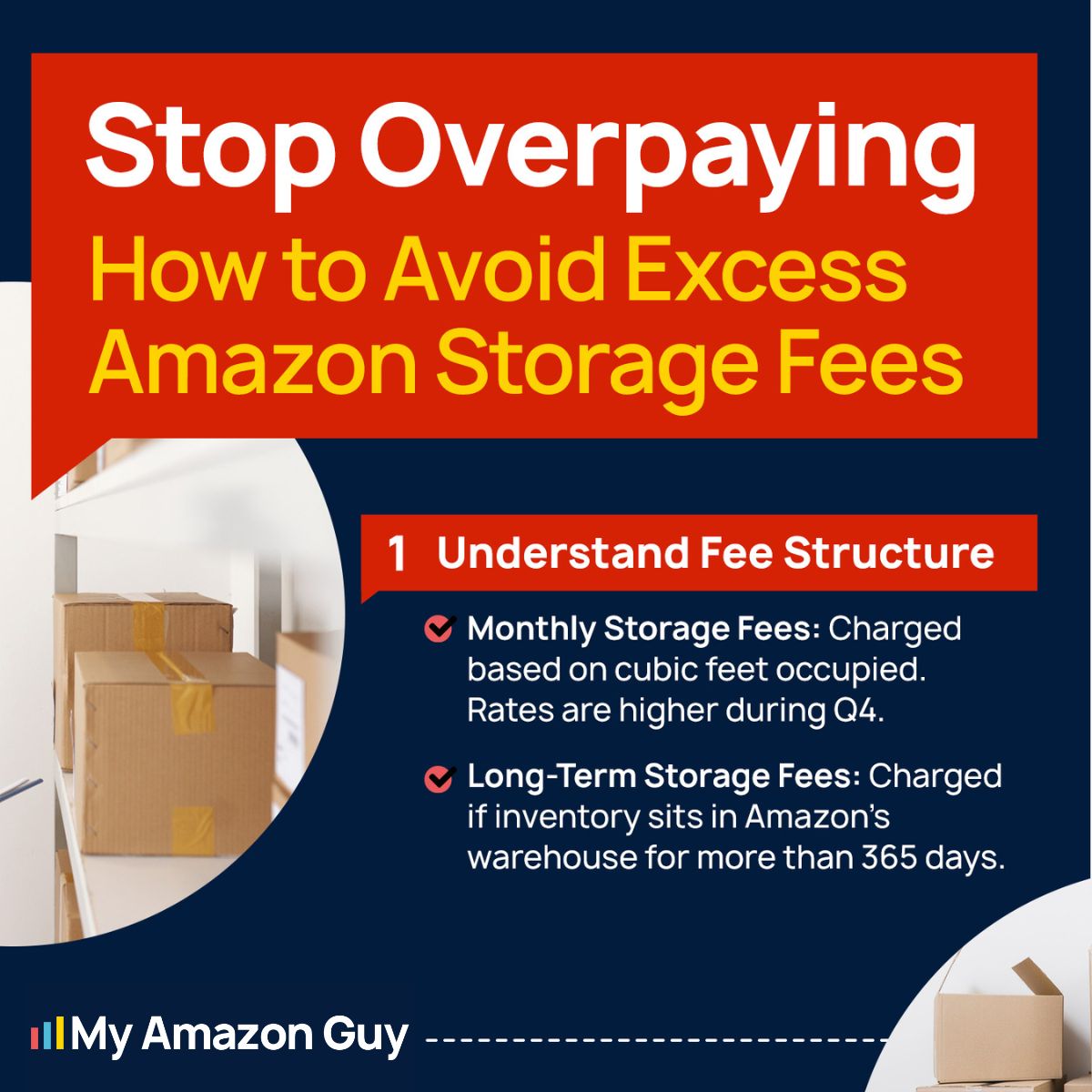
Sellers create removal orders to avoid long-term storage fees and to keep inventory under control. The process is initiated in Seller Central, where you select items, choose a removal method, and submit the order for processing.
Once submitted, the removal order usually takes 10 to 14 business days to complete, though peak periods can extend it to 90 days. Fees apply based on the quantity, size, and weight of items removed, and the order status can be tracked in Seller Central until it’s complete.
How Amazon Removal Orders Impact Sellers
When sellers create an Amazon removal order, it can impact them in various ways. This is why it’s important to understand both the benefits and risks before making removals.
- Removal fees are charged per unit based on size and weight, which can reduce profit margins.
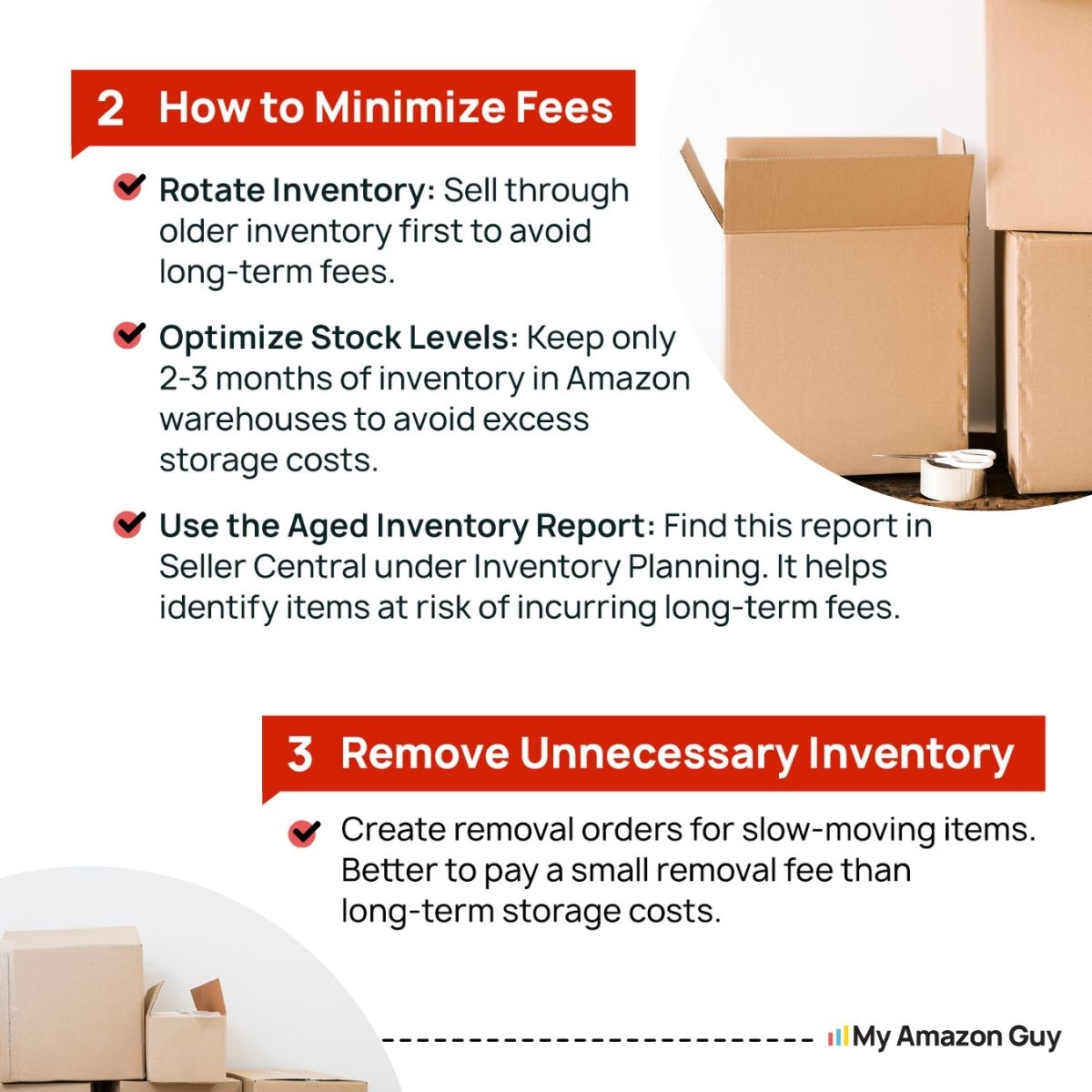
- Clearing aged inventory helps avoid long-term storage fees and saves money overall.
- Improves Inventory Performance Index (IPI) by removing slow-moving or stranded stock.
- Products removed are temporarily or permanently unavailable for sale, causing potential lost revenue.
- Managing removals adds operational work such as tracking, handling, and repackaging returned items.
- Peak periods can delay removals for 30-90 days, tying up capital and inventory.
- Removed inventory often cannot be sent back to FBA for 90 days, limiting flexibility.
How to Create an Amazon Removal Order
Creating an Amazon removal order is quite easy, but some sellers still struggle to do it correctly because they don’t know the proper steps. Following the right process ensures you avoid unnecessary fees, delays, or lost inventory.
Step 1: Navigate to Inventory
In Seller Central, go to Inventory > Manage Inventory or Remove Unfulfillable Inventory. This is where you’ll find all the products eligible for removal.
Step 2: Select Items
Check the boxes next to the products you want to remove from the fulfillment center. Make sure you only select items that are damaged, aged, or slow-moving to avoid unnecessary fees.
Step 3: Initiate Action
From the Action on selected drop-down menu, choose Create removal order. This starts the removal process and prepares the items for return, disposal, or liquidation.
Step 4: Select Removal Method
Choose how you want the inventory handled: send it back to your warehouse, donate or recycle it at the fulfillment center, or liquidate it to recover some value. Each option has different costs and potential returns, so select the method that fits your goals.
Step 5: Enter Details & Confirm
Enter a custom Removal Order ID or leave it blank for auto-generation, then input the quantities of both fulfillable and unfulfillable inventory. Review the estimated fees carefully and click Confirm to submit the removal order.
Seen a New Seller Central Update? Let Us Know!
Amazon Seller Central constantly updates its interface. If you spot a change we missed, let us know using the form below!
Optimize Your FBA Stock
Let our agency set up systems to track, manage, and remove inventory without operational headaches.
Best Practices for Using Amazon Removal Order
Sellers who use Amazon removal orders incorrectly can damage their profit margins, inventory management, and operational workflow. Following best practices ensures that removals are cost-effective, organized, and aligned with your overall business strategy.
1. Exhaust All Sales Options First
Before paying to remove inventory, try selling it through Amazon first. Adjust pricing aggressively, improve your listing SEO, and run targeted ads to see if the items can move before committing to a removal order.
Audit the listing and consult an expert if needed. Sometimes a product might seem unsellable, but better marketing or content could make it profitable, avoiding unnecessary removal fees.
2. Understand the Removal Process and Its Challenges
Amazon removal orders are often disorganized and can take weeks to process. Expect items to arrive in multiple shipments, with mixed SKUs, and be prepared for delays up to 90 days during peak periods.
Warn any third-party warehouse partners in advance. Preparing them for the complexity prevents frustration and ensures they are ready to handle the volume efficiently.
3. Choose Your Removal Method Wisely
Selecting the right removal method can save money and reduce waste. Return items if you plan to resell or store them, dispose of low-value or unsellable inventory, and consider donation for items that qualify for a tax write-off.
Compare costs carefully. Since removal and disposal fees are often similar, understanding your end goal, recovering value versus minimizing storage, guides the most cost-effective decision.
4. Analyze Costs Before Removing Inventory
Removal fees are charged per unit, which can quickly add up. Compare the cost of removal or disposal against potential long-term storage fees, liquidation value, or resale opportunities to make informed decisions.
Use reports in Seller Central to calculate these costs. This preparation helps prevent spending more on removals than you would save or recover from selling the items elsewhere.
5. Prepare Logistically Before Creating an Order
Ensure you have warehouse space or a partner ready to receive the removed inventory. Do not start a removal order without a confirmed plan for storage, processing, or reselling, as this can create operational chaos.
Follow Amazon’s rules strictly. Ship only to legitimate warehouse locations and avoid sending items to friends or unrelated third parties, which can put your account at risk.
6. Monitor and Reconcile After Removal
After the removal order is submitted, track its status in Seller Central. Some items may have errors in processing, especially if using bulk flat files, so active monitoring is critical.
Once the inventory arrives, verify the quantity and condition. Reconciling removed items ensures accurate records and prevents discrepancies that could affect your accounting or operational decisions.
FAQs About Amazon Removal Orders
How much is the Amazon removal order fee?
Fees are charged per unit based on size and weight, with standard-size items starting around $1.04 per unit and larger items costing more. The total cost depends on the number of units you remove and the method you choose.
How long does it take for a removal order to be processed?
Most removal orders are processed within 10–14 business days. During peak seasons like Q4, it can take up to 90 days for items to be shipped or disposed of.
Can I cancel an Amazon removal order once it’s submitted?
Yes, you can cancel a removal order from Seller Central as long as it hasn’t been fully processed. Once items start being shipped or disposed of, cancellation is no longer possible.
Optimize Inventory with Amazon Removal Orders
Amazon removal orders can be a powerful tool for sellers to manage inventory, reduce long-term storage fees, and recover value from slow-moving or damaged products. When used correctly, they help maintain healthy inventory levels and prevent costly surcharges.
However, if removal orders are not done properly, sellers can face lost revenue, added operational complexity, and unexpected fees. That’s why it’s essential to understand how Amazon removal orders work, the best practices to follow, and how to choose the right method for each product.
Struggling to understand how Amazon removal orders work and how to use them properly? Reach out to our full-service Amazon agency and let our team of experts guide you through the process, optimize your inventory, and save your business time and money.
Stop Losing Money On Storage
We help sellers reduce long-term storage fees by creating strategic removal and inventory management plans.