

Last Updated: September 7, 2026
When was the last time anyone opened your FBM settings? If the honest answer is launch day, some of those listings are running against rules that did not exist when you set them.
Amazon FBM mistakes rarely announce themselves. They show up as a deactivated listing, a Buy Box that moved overnight, or a performance notification your ops lead reads on a Monday morning.
We have managed $1.2B+ in ecommerce revenue across 430+ brands, and the FBM tail is the most neglected part of a hybrid catalog. Sellers configure it once at launch and leave it alone while Amazon raises the bar around them, and Amazon raised that bar four times in 2026.
This guide covers the ten Amazon FBM mistakes we find most often in audits, what each one costs you, and the fix that takes the least time. Our Amazon agency also walks through the numbers to check weekly, the thresholds worth holding above Amazon’s floor, and when moving a SKU back to FBA is the cheaper answer.
Table of Contents
Small shipping mistakes can cost sales and account health, so let our experts find and fix them.
TL;DR - Amazon FBM Mistakes
Most Amazon FBM mistakes are configuration errors sitting in settings nobody has reviewed since launch:
- Match handling time to actual ship speed, per SKU
- Confirm orders the day they land, not the day they ship
- Hold on-time delivery at 95%, not Amazon’s 90% floor
- Buy every shipping label through Amazon Buy Shipping
- Check FBM metrics weekly and audit settings quarterly
FBM problems are prevented in Seller Central, not in the warehouse. Sellers who review handling times, delivery promises, and account health on a schedule keep their listings live and hold the Buy Box without shipping any faster.
What Is Amazon FBM and How Does It Work?
Amazon FBM stands for Fulfillment by Merchant, which means the inventory stays in your warehouse or your 3PL and you ship every order yourself. Amazon still owns the listing page, the checkout, and the customer relationship, while you own everything that happens after the order posts.
That is the short answer to what Amazon FBM is, and the mechanics behind it are just as plain. An order arrives in Seller Central, you confirm it within your stated handling time, then you pack it, ship it, and upload valid tracking so Amazon can verify delivery and release your payment.
This is not a fringe setup either, since about a third of Amazon sellers fulfill at least part of their catalog themselves while 82% use FBA, which means most catalogs of any size are running both at once. The tradeoff sits in who absorbs the failures, because Amazon eats carrier delays on its own shipments while every seller-fulfilled delay, return, and slow customer response posts straight to your account health.
What Are the Most Common Amazon FBM Mistakes Sellers Make?
Nearly every FBM problem we find in audits traces back to a setting, not a shipping failure. Here are the ten that cost sellers the most, along with the fix for each one.
1. Running Handling Times That No Longer Match How Fast You Ship
Amazon can now change your handling time without asking, and it does that when your stated number stops matching reality. Since June 2026, seller-fulfilled SKUs need handling times set per SKU that reflect real performance, and Amazon assigns a value when yours drifts.
The Fix
Pull 30 days of actual ship times and compare them against every SKU setting. Turn on Automated Handling Time when your warehouse speed holds steady, and manage it manually only when it does not.
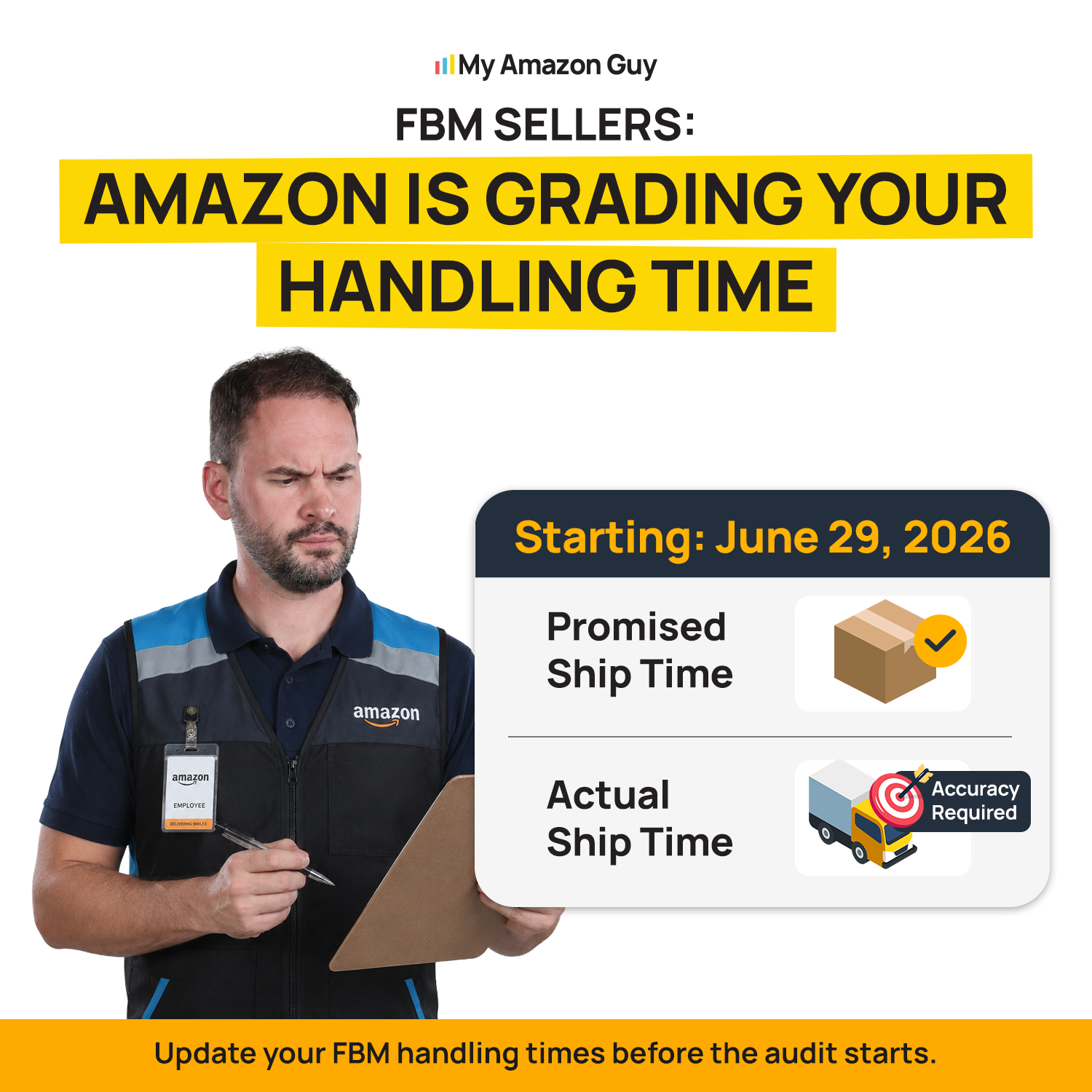
FBM Sellers: Amazon Is Grading Your Handling Time
2. Confirming Orders Late and Calling It a Shipping Problem
This is why the late shipment rate climbs on accounts that ship everything on time. Amazon reads the confirmation timestamp, so an order sitting unconfirmed past your handling window counts against you even when the box left on schedule.
The Fix
Audit your weekend and holiday cutoffs first, because that is where these cluster. Late shipment rate has to stay under 4%, and confirming on time usually recovers most of the gap by itself.
3. Treating 90% On-Time Delivery as a Safe Target
That number is the floor, not the goal, and sitting on it is why FBM listings get deactivated. Since February 28, 2026, Amazon has removed the specific listings dragging your OTDR down rather than the entire seller-fulfilled catalog, which we broke down when the OTDR update landed.
The Fix
Hold on-time delivery at 95% or better, so you have room to absorb a bad week. Run at the floor, and one rough carrier stretch pulls listings off the page.
4. Buying Shipping Labels Outside Amazon Buy Shipping
Buy Shipping is not technically required, and skipping it is still the most expensive shortcut in FBM. Those labels carry OTDR protection and item-not-received coverage, and they feed valid tracking automatically.
The Fix
Route every label through Buy Shipping and treat outside labels as an exception that needs approval. Valid tracking rate has to stay above 95%, and manual workflows are exactly where it slips.
5. Letting the FBM Offer Compete Against Your Own FBA Offer
FBM listings absolutely can lose the Buy Box to your own FBA offer, and on hybrid catalogs it happens constantly. The FBA offer shows a faster date and the Prime badge, so Amazon features whichever offer is most likely to convert the shopper.
The Fix
Decide which offer you want winning before you build both. Price the FBM offer to protect margin and treat it as the reserve that catches demand, not the one you expect to hold.
6. Using Transit Times You Set From Memory
Most sellers guessed at transit times once and never revisited them. Shipping Settings Automation pulls real transit times by destination and updates the promise on your listings, which removes the guesswork that creates late deliveries.
The Fix
Switch it on, then spot-check the delivery promise on a few far-zone ZIP codes. Templates written years ago are the single most common stale setting we find.
7. Missing the SAFE-T Claim Window on Returns
This is why sellers get charged for returns they never physically received. Amazon cut the seller-fulfilled filing window to 30 days, so a returns process built on the old timeline misses the deadline entirely.
The Fix
Log every return the day it posts and inspect on a fixed schedule. The refund trigger also moved to four calendar days, which leaves almost no room for a slow inspection queue.
8. Pricing Oversized FBM SKUs on Last Year’s Carrier Rates
Whether an oversized SKU belongs on FBM shifts every time carrier rates move. Zone-based pricing and fuel surcharges push FBM cost up quietly, while FBA charges one published rate no matter how far the package travels.
The Fix
Rerun the per-unit math twice a year instead of once at launch, and check the profile against our guide to Amazon FBM seller types. Our breakdown of FBA vs FBM shipping costs at scale walks through the comparison at real volume.
10 Reasons To Choose FBA over FBM (And When Not To)
9. Keeping a Dormant FBM Offer as Your Stockout Backup
An untested offer is not how you keep listings live during an FBA stockout. Stale handling times and no recent order history mean that offer starts posting defects the moment real volume hits it.
The Fix
Build and test the FBM offer before you need it, then keep a small reserve flowing through it. The listing keeps selling and keeps its rank while FBA restocks.
10. Running Seller Fulfilled Prime Without the Speed To Hold It
SFP is only worth it if you can clear the new delivery requirements. Standard-size SFP offers need one-day delivery on 40% of Prime page views and two-day delivery on 75%.
The Fix
Model your coverage against those two numbers before enrolling, since single-warehouse operations on one coast rarely clear them. Read our Seller Fulfilled Prime guide first, because losing the badge mid-quarter costs more than never carrying it.
Get hands-on help from specialists who solve fulfillment, catalog, and account issues every day.
How Can Amazon FBM Sellers Avoid Common Mistakes?
Prevention is a routine, not a cleanup project. Sellers who never receive the deactivation email run the same short set of checks on a schedule, and the whole thing takes under an hour a week.
Build these six habits into your operation and most of the mistakes above stop happening on their own.
- Confirm every order the day it lands, with one named owner and a hard daily cutoff
- Buy every shipping label through Amazon Buy Shipping so protection and tracking happen automatically
- Reconcile stated handling time against actual ship times once a month, per SKU
- Let Shipping Settings Automation own transit times instead of a template someone wrote years ago
- Work returns on a fixed inspection day so no SAFE-T claim ages past 30 days
- Rerun FBM unit economics every six months, or sooner when carrier rates move
Set your internal thresholds above Amazon’s, because the published floors are where enforcement begins, not where safety begins. Here is where we hold clients and where to verify each number.
| Metric | Hold this number | Where to check |
|---|---|---|
|
On-time delivery rate
|
95%, floor is 90%
|
Account Health, delivery defects report |
|
Late shipment rate
|
Under 2%, floor is 4%
|
Account Health
|
|
Order defect rate
|
Under 0.5%, floor is 1%
|
Account Health
|
|
Valid tracking rate
|
Above 98%, floor is 95%
|
Account Health
|
|
Handling time accuracy
|
Matches last 30 days of ship times
|
Modify Handling Time tool
|
Check these weekly, not monthly. Amazon evaluates performance on rolling windows now, so a strong month no longer smooths over one bad week the way it used to.
How to Fix the Most Common Amazon Selling Mistakes
What This Mistake Costs You During Black Friday and Cyber Monday
Every mistake above carries two price tags, one in Q2 and a much larger one in Q4. A stale handling time loses you a single order in March and loses you a peak selling day in November, because the error stays the same while the traffic behind it multiplies.
Why Does a Delivery Date Gap Cost More on Black Friday?
Peak traffic lands on a phone, where the delivery date sits directly under the price, and nobody scrolls sideways to compare offers. Mobile drove 61.6% of US online sales on Thanksgiving Day 2025.
A slower promise reads as a worse product, and Amazon has published what that gap is worth. Its Seller Central handling time guidance puts a one-day improvement in the delivery estimate at roughly a 5% sales lift, so on a 3,000-order Cyber Weekend that badge gap hands about 150 orders to somebody else.
What Happens to My FBM Metrics During Cyber Week?
Nothing loosens for the holidays, and that is the part sellers assume wrong every year. Amazon measures FBM performance on rolling windows regardless of season, so peak weeks are graded the same way a slow April week is, and any temporary measurement exclusion Amazon grants tends to expire before Q4 rather than during it.
Premium Shipping raises the stakes further, because the review runs weekly against a 93.5% on-time delivery bar, and three straight weeks below it removes you from the program. Three rough weeks starting at Thanksgiving strip the one-day and two-day badges off your listings in the middle of December gift traffic.
The Peak Season Sequence That Changes Your FBM Math
Peak is not one date; it is a sequence of cost and enforcement changes that starts weeks before the first holiday order. The windows below repeat every year, and the exact dates shift slightly, so confirm them against your carrier’s published schedule each August.
| Window | What changes | What to do |
|---|---|---|
|
Late September
|
Carrier demand fees begin on additional handling and oversized parcels
|
Reprice oversized FBM SKUs before labels get more expensive
|
|
Late October
|
Residential ground and air demand surcharges begin
|
Rerun per-unit FBM margin at the new label cost
|
|
Late November through December
|
Highest per-package demand rates meet the heaviest mobile traffic of the year
|
Hold OTDR at 95%, route every label through Buy Shipping, confirm daily
|
|
Mid January
|
Demand surcharges end
|
Rerun the FBA versus FBM routing call for Q1
|
For 2026, UPS charges $0.75 per residential ground package from November 22 through December 26, up from $0.50 in the shoulder weeks, in a published demand surcharge schedule. Push 8,000 packages through that window, and the demand fee alone adds $6,000 before fuel, which is usually the number that decides whether an oversized SKU sits in FBA for one quarter.
Advanced FBM Strategies for Brands With Clean Account Health
Everything above is maintenance. These three moves are for the FBM seller whose metrics already sit above the thresholds and who wants the delivery promise itself to become the advantage.
Should I Run Seller Fulfilled Prime on Only Part of My Catalog?
Yes, and partial enrollment is usually how sellers hold Seller Fulfilled Prime through a peak season. Speed is measured on Prime page views, so a narrow set of SKUs shipping from the right node clears the thresholds far more easily than a full catalog does.
Pick the SKUs where your two-day ZIP coverage is already strong and leave everything else on standard FBM. Losing the badge in December costs more than the badge ever earns in the categories where you were never going to clear the bar.
Regional Splits That Shorten the Delivery Promise
Delivery speed is an inventory placement problem before it is a carrier problem. One East Coast warehouse cannot show a one-day date in California no matter which service you buy, and a breakdown of SFP cutoff times makes the same point about West Coast shoppers browsing after an eastern cutoff closes.
Splitting a small share of units into a second region lifts the promise on the exact ZIP codes dragging your average down. Single-node operations on one coast are the group that most often misses the standard-size one-day threshold, which is why we look at placement before carrier mix in audits.
What Amazon's New Delivery Promise Tool Changes
Amazon launched a Delivery Promise tool in September 2026 that lets you set shipping speeds by ZIP code, flag weekend operating capability, and configure daily order cutoff times. Those inputs feed the delivery date shoppers actually see, so the promise stops being something your shipping template guesses for you.
Gather your same-day pickup cutoffs by ZIP and your real weekend coverage before you configure anything, because bad inputs produce a promise your warehouse cannot hit. Amazon can change your handling time during peak season when your settings drift, so owning the inputs is the safer way to control the date.
Case Study: Amazon Beauty Category Profit Margin Protection
A beauty and personal care brand came to us with stranded inventory, repeat stockouts, and advertising spend that kept climbing while margin fell. Our work centered on Amazon beauty category profit margin protection, which meant daily stranded inventory monitoring, weekly restock recommendations on high-velocity items, and an ad rebuild that stopped budget leaking into terms that never converted.
Sales rose 37% in a single week, with 108 units moving in seven days and the account holding category position instead of surrendering placements during stock gaps. We have managed that account for more than 1,200 days, and the lesson carries straight into FBM because availability and settings discipline protect margin more reliably than bidding harder does.
FAQs About Amazon FBM Mistakes
What metrics does Amazon track for FBM sellers?
Amazon tracks on-time delivery rate, late shipment rate, order defect rate, and valid tracking rate for FBM sellers. To stay compliant, keep your late shipment rate below 2%, order defect rate below 1%, and valid tracking rate above 95%.
What happens if my OTDR drops below 90%?
Amazon deactivates the listings that cause your on-time delivery rate to fall below 90%. Repeated issues can also affect your overall account health.
Does FBM hurt my Buy Box chances?
No, but slow or inaccurate delivery promises can reduce your Buy Box share. Faster and more reliable shipping improves your chances of winning the Buy Box.
Do I have to set handling time per SKU now?
Yes, Amazon now requires handling times to be set at the SKU level. If your handling times are inaccurate or missing, Amazon may assign them for you.
Should I turn off my FBM offer for Black Friday?
No, keep it live and price it as the reserve that catches demand when FBA runs dry. Switching it off during the highest traffic week of the year removes your only backstop, and a stockout on a peak day costs far more than a thin-margin order.
Do FBM metrics get a holiday grace period?
No, enforcement runs on the same rolling windows in December that it runs in April. Amazon removes the specific FBM listings dragging your OTDR below 90% rather than the whole catalog, so a bad peak week can cost you your best sellers at the worst moment.
Stop Losing FBM Listings to Stale Settings
The sellers losing FBM listings this year are not sloppy shippers. They are careful operators running 2023 settings against 2026 enforcement, and Amazon changed the rules four separate times without waiting for anyone to notice.
Fixing this rarely requires a new warehouse, a new 3PL, or faster carriers. It requires accurate handling times per SKU, on-time delivery held at 95% instead of the 90% floor, every label bought through Amazon Buy Shipping, and a weekly look at the numbers Amazon actually enforces.
Are your FBM listings running on settings nobody has reviewed since launch? Contact our full-service Amazon agency and let our Amazon experts audit your handling times, delivery promises, and account health before Amazon starts making those decisions for you.
Our team helps sellers reduce late shipments, improve tracking, and meet performance targets.