
Three weeks into your launch, is that 60% ACoS a warning sign or just the price of getting found? Guess wrong, and you either shut off the campaigns that were about to work or pay for help you don’t need yet.
The key Amazon PPC launch metrics read differently from the numbers on a mature account. Your product starts with zero reviews and zero organic rank, so early data looks worse than it really is.
The good news is that six numbers, checked on a set schedule, tell you whether your launch is on track. We’ve managed over $1.4B in ecommerce revenue across 400+ brands, and that schedule is how we judge every new product.
Our Amazon agency will walk you through each of the six launch metrics and a simple 90-day scorecard for tracking them. We’ll also show you how to tell when to keep running PPC yourself and when Amazon advertising services are worth the money.
Table of Contents
Send us your launch ASIN, and we’ll show you which metric is leaking money first.
New product launches on Amazon PPC produce messy data, so most sellers end up judging them on gut feel. Our Amazon agency uses six numbers to tell a healthy launch from one that needs Amazon advertising services.
- Launch ACoS against break-even margin
- Conversion rate by search term
- Main image click-through rate trend
- Top-of-search impression share growth
- Ad spend before first sale
- Days until core keywords index
The problem isn’t high launch ACoS but reading it without context. Score these six metrics at days 30, 60, and 90 before you cut spend or hire help.
The Truth About Aggressive Amazon PPC for New Launches
Why Amazon Launch PPC Metrics Look Different
Launch numbers aren’t broken; they’re just early. The real skill is knowing which early signals are normal and which ones point to a problem you need to fix.
What Makes Launch-Stage PPC Data Different?
A new ASIN starts with no reviews, no sales history, and no organic rank, so clicks cost more and convert less until Amazon learns where your product belongs. Even Amazon’s ACoS guide notes that fresh campaigns usually post a higher ACoS simply because they are new.
Why Should You Check These Numbers Before Hiring Help?
Your Amazon PPC metrics tell you what’s actually broken, whether that’s the listing, the targeting, or the time you have to manage ads. Paying for Amazon PPC management before you know which problem you have means paying someone else to find out.
What Do New Amazon Sellers Get Wrong About Launch Numbers?
Most launch mistakes come from reading the right metric at the wrong time, not from bad ads. These four habits show up in almost every launch account we review.
- Treating high launch ACoS as failure
- Judging campaigns after three days
- Reading account averages, not campaigns
- Scoring CTR instead of diagnosing it
Your 90-Day Amazon PPC Launch Scorecard
A launch needs targets that change over time, not one ACoS goal set on day one. Use this scorecard to see what a healthy launch looks like between week 2 and day 90.
| Metric | Healthy sign | Red flag |
|---|---|---|
|
Launch ACoS
|
Trending toward break-even
|
Above your ceiling after day 30
|
|
Conversion rate
|
Core terms converting
|
Clicks but no orders
|
|
Click-through rate
|
Rising, then steady
|
Flat while impressions hold
|
|
Top-of-search share
|
Climbing on core terms
|
Low even at a high CPC
|
|
Spend before first sale
|
Shrinking per target
|
2 to 3x cost per order, no sales
|
|
Time-to-index
|
Core terms indexed by day 14
|
Core terms missing at day 30
|
Each red flag counts toward the decision section later in this guide. One flag is normal launch noise, but two or more means something needs fixing.
How Should Your Targets Change From Week 2 to Day 90?
Start with a launch ACoS ceiling above break-even, then tighten it every 30 days until your proven terms sit near break-even by day 90. A $30 product with $9 left before ads has a 30% break-even ACoS, so a 45% ceiling is a planned premium you pay to buy data and rank.
Which Amazon PPC Metrics Should You Read Together?
Read launch metrics in pairs, because each pair tells you whether the problem sits in your ads or your listing. For example, a rising ACoS next to a falling TACoS usually means organic sales are picking up, and the launch is working.
- ACoS with TACoS
- CTR with conversion rate
- Impression share with CPC
How to Use Amazon Brand Metrics to Improve PPC Strategy
The 6 Key Amazon PPC Launch Metrics New Sellers Should Know
These six product launch campaign metrics cover efficiency, demand, visibility, and organic traction. Each one also tells you whether to keep managing ads yourself or bring in a second set of eyes.
1. Launch ACoS vs. Break-Even ACoS
Your break-even ACoS equals your profit margin before ad spend, and Amazon ties ad profit to keeping ACoS under that margin. During a launch, a healthy sponsored products launch ACoS sits above break-even but stays inside the ceiling you set before day one.
Trouble starts when ACoS is still above that ceiling after 30 days, and you can’t tell whether bids or the listing are to blame. At that point, a free review costs less than another month of guessing.
2. Conversion Rate by Search Term
Track conversion rate for each search term, because campaign averages hide the terms that actually sell. Reviews move this number too, and an Amazon study of 320K+ new ASINs found stronger launches averaged 8 reviews at 4.1 stars while weaker ones had 1 review at 3.5 stars.
If your core keywords keep getting clicks but no orders after you fix price and images, the ads aren’t the issue. You’re looking at a listing and offer problem, which needs listing work far more than bid changes.

Draft Your PPC Starting Five
3. Click-Through Rate on Your Main Image
A healthy CTR climbs week over week as Amazon learns where your sponsored product ads belong. In that same Amazon study, the best new ASINs posted ad click-through rates 2.1 times those of weaker launches.
When impressions hold steady, but CTR stays flat, shoppers are seeing your product and scrolling right past it. A main image CTR upgrade usually fixes this faster than any bid change.
4. Top-of-Search Impression Share
This metric shows how many first-row search impressions your campaign won out of all the ones it was eligible for, and Amazon reports it in the ad console with a 90-day lookback. It should climb on your core terms, since top new ASINs pulled 7.1 times as many ad impressions as weaker launches.
The warning sign is a share that stays low even when your CPC sits near your ceiling. That means the auction costs more than your margin allows, so you need a sharper keyword plan instead of a bigger bid.
5. Ad Spend Before Your First Sale
Your expected cost per order is CPC divided by conversion rate, so a $1.20 click at a 10% conversion rate should land an order for about $12. Amazon reports newly listed products earned 36 times the clicks of older products once advertised, so early spend should turn into orders quickly once targeting is right.
Be concerned when several targets burn through 2 to 3 times your expected cost per order with zero sales. Without a weekly routine for adding negative keywords, that spend keeps leaking.
6. Time-to-Index on Your Keywords
Search your core keyword plus your ASIN on Amazon, and if your product shows up, it’s indexed for that term. Core terms should index within your first two weeks, and Amazon reports new products added to Sponsored Products saw 248% more detail page views and 123% more sales.
If core terms still don’t index by day 30, your ads are paying for traffic that organic rank should eventually carry. That’s a catalog and Amazon SEO fix, not a PPC fix.
Should You Keep PPC In-House or Get Help?
Count your scorecard red flags at day 60. That number, not your gut, should decide whether you need Amazon advertising services.
| Red flags | What it means | Next step |
|---|---|---|
|
0 to 1
|
Launch is on track
|
Keep PPC in-house
|
|
2 to 3
|
A fixable bottleneck
|
Get a free launch review
|
|
4 or more
|
Stacked problems
|
Compare PPC services
|
Most new sellers land in the middle row, and a single bottleneck is usually cheap to fix. For the margin math behind full management, read when Amazon PPC management services pay off, or see how to scale Amazon PPC for small brands if you’re already past launch.
What Does Reading These Metrics Look Like in a Real Account?
A pet travel accessories brand came to us leaning on automatic campaigns, so we shifted spend to manual keyword control and fixed its suppressed listings. The account brought in over $420K in its first 60 days with us and later cut TACoS from 35% to 22%, as our dog travel accessories case study shows.
How to Run Your 90-Day Launch Review
Each checkpoint review takes about an hour, and it replaces weeks of second-guessing. Put all three dates on your calendar now so the numbers make the call, not your nerves.
Step 1: Set Your Break-Even ACoS Before Launch
Subtract COGS, Amazon fees, and fulfillment from your price, then divide what’s left by the price to get your break-even ACoS. Set your launch ceiling a fixed number of points above it, and hold that ceiling for the first 30 days.
Step 2: Label Each Campaign by Its Goal
Tag every campaign as discovery, ranking, or defense right in the campaign name. A ranking campaign at 50% ACoS can be right on plan, while a defense campaign at the same number is a leak.
Step 3: Check the Search Term Report at Day 14
Leave your bids alone until day 14 unless a search term is clearly irrelevant to your product. Then move converting terms into exact match campaigns and add terms with clicks but no orders as negative keywords.
Step 4: Score the Six Metrics at Days 30, 60, and 90
At each checkpoint, mark every metric as healthy or a red flag using the scorecard above. Keep all three checkpoints in one simple sheet so you can see the trend instead of a single snapshot.
Step 5: Decide Whether to Keep Going or Get Help
Match your day-60 red flag count to the decision table to see which path fits your launch. If you land in the middle or bottom row, act right away instead of waiting another month.
What Mistakes Ruin Amazon Launch Data?
Most bad launch data is self-inflicted, and plenty of it starts before day one, as our pre-launch mistakes guide shows. Once your ads go live, watch for these four habits.
- Changing bids every day
- Mixing branded and generic terms
- Skipping negative keywords
- Pausing campaigns in week one
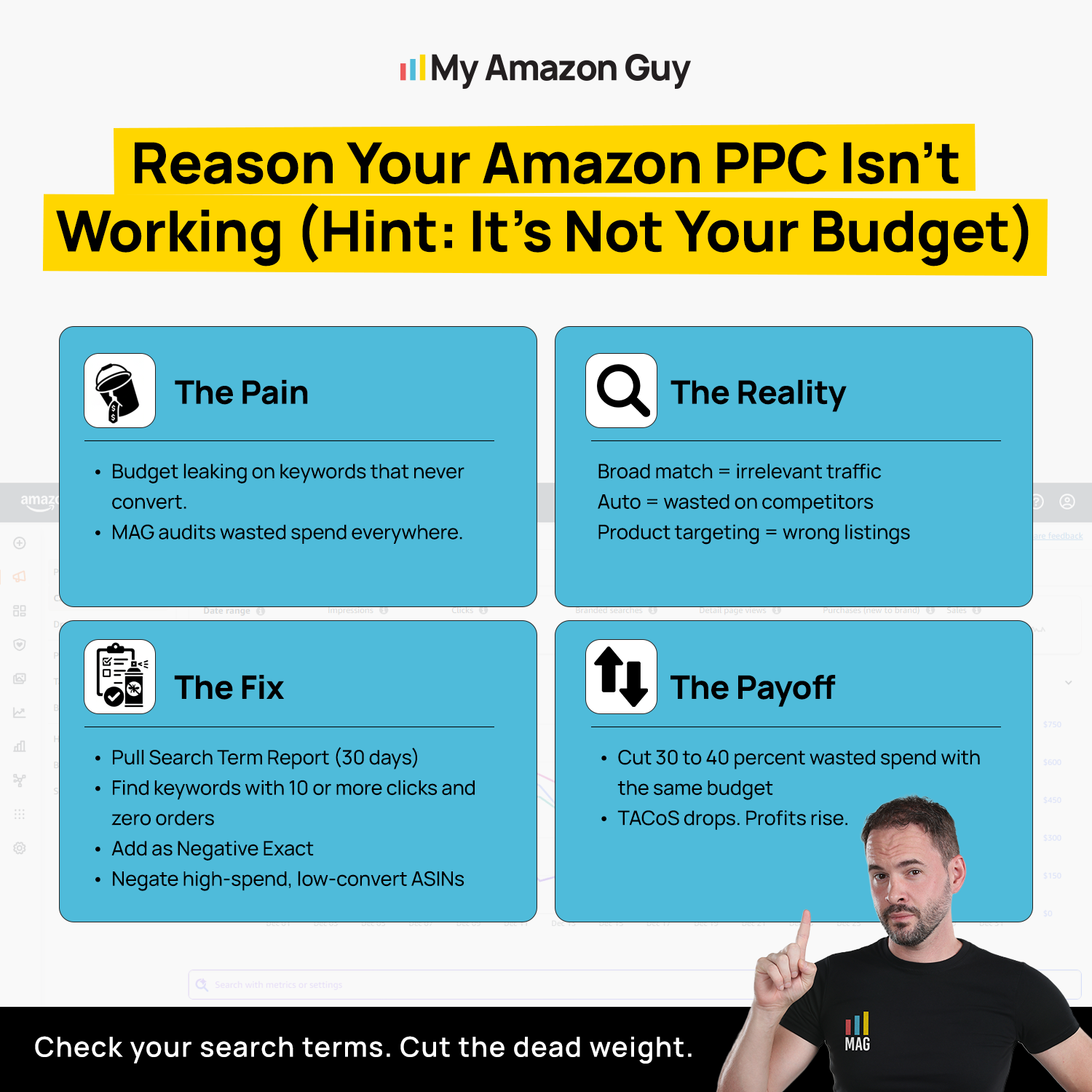
Reason Your Amazon PPC Isn’t Working
Where to Find These Numbers and How Often to Check
You don’t need paid software to track a launch, though it can save time later. Every number below already lives in Seller Central or the Amazon Ads console.
| Metric | Where to find it | How often |
|---|---|---|
|
Launch ACoS
|
Campaign Manager
|
Weekly |
|
Conversion rate
|
Search term report
|
Weekly from day 14
|
|
Click-through rate
|
Campaign Manager
|
Weekly
|
|
Top-of-search share
|
Search Term Impression Share report
|
Every 2 weeks
|
|
Spend before first sale
|
Search term report
|
Weekly
|
|
Time-to-index
|
Amazon search bar
|
Days 7, 14, and 30
|
Look at these numbers weekly, but save the big decisions for your 30, 60, and 90-day checkpoints. Once your launch settles, switch to our routine for monitoring Amazon PPC campaigns.
What to Add Once Your Launch Works
Once your six metrics look healthy, Amazon PPC optimization can move beyond your first Sponsored Products campaigns. Add one new layer at a time so you can still tell what’s driving your results.
When Should You Add Sponsored Brands and Sponsored Display?
Add them once Sponsored Products hits your day-60 targets, keeping in mind that Sponsored Brands requires Brand Registry. Since Amazon found pairing sponsored ads with display in a launch’s first quarter cut 64% off how long new products took to hit their sales baseline, aim to start display before your first 90 days end.
When Should You Add Automated Bidding?
Add automated bidding once your campaigns have a few weeks of steady orders, because the tools need clean conversion data to make good calls. Start with your discovery campaigns, keep a human on your top terms, and read our take on Amazon PPC automation before handing over more of the account.
Amazon Auto Optimization: Should Sellers Trust It?
When Should You Add Your PPC Keywords to Your Listing?
Add them once your search term report shows which phrases consistently turn into orders. Moving those terms into your title, bullets, and backend keywords helps organic rank take over from paid e-commerce advertising over time.
FAQs About Amazon PPC Launch Metrics
What is a normal ACoS for a new product launch on Amazon?
A normal launch ACoS sits above your break-even ACoS for the first 30 days, as long as it stays under the ceiling you set before launch. New campaigns tend to run higher at first, so a high number early on isn't a failure.
How high is too high for launch ACoS?
Your launch ACoS is too high if it stays above your ceiling after day 30 or if you can't afford the inventory to keep going. For example, a 45% ACoS on a product with a 30% break-even loses about $4.50 on every $30 ad sale.
How long should I run Amazon PPC before judging results?
Wait 14 days before changing bids and 30 days before judging a campaign. Anything shorter mostly measures noise, because launch volume is too low to trust.
How do I check if my new product is indexed for a keyword?
Type the keyword plus your ASIN into the Amazon search bar, and if your listing shows up, it's indexed. Brand Registered sellers can also confirm keyword impressions in the Search Query Performance dashboard.
Why is my new product getting clicks but no orders?
Clicks without orders usually mean the problem is your listing, price, or review count, not your ads. Amazon's launch research found that top-performing new products carried far more reviews and higher ratings than weaker ones.
When should a new Amazon seller outsource PPC management?
Outsource PPC when your day-60 scorecard shows four or more red flags, or when managing ads takes time you need for inventory and listings. If you have two or three red flags, a free launch review can pinpoint the bottleneck before you commit to monthly management fees.
Read Your Launch Metrics Before You Make the Call
High launch ACoS, thin sales, and slow rankings are normal in the first 30 days, as long as your numbers stay inside the limits you set before launch. The six key Amazon PPC launch metrics show whether your launch is building momentum or quietly leaking money.
Score them at days 30, 60, and 90, and let your red flag count decide your next move instead of your gut. Zero or one flag means keep going, two or three means get a second look, and four or more means it’s time for real help.
Are you three weeks into a launch and still unsure whether your numbers are normal? Reach out to our full-service Amazon agency and let our Amazon experts score your six launch metrics and pinpoint what’s holding your new product back.
Our team will review your listing, targeting, and ad spend to find what’s stopping shoppers from buying.