

Last Updated: October 2, 2026
How many units in your unfulfillable pile did Amazon refund to buyers, and how many of them did Amazon ever pay you back for? Most sellers never check, and knowing how to handle Amazon returns is what turns that quiet leak into recovered cash.
Returns hit FBA sellers from three directions at once, through lost fees, lost units, and new charges on high-return ASINs. One seller told CNBC that his music gear comes back three times more often on Amazon than on eBay or Walmart.
We have managed over $1.4B in ecommerce revenue across 430+ brands. The brands that protect margin treat returns as a recovery system with weekly deadlines, not a loss they shrug off.
In this guide, our Amazon agency talks about how to handle Amazon returns on Seller Central, from choosing the right exit for each unsellable unit to filing reimbursement claims on time. We also discuss the 2026 policy changes, the KPIs worth tracking, and the steps that lower your return rate.
Table of Contents
Most sellers never check how many refunded units were never paid back. Our audit finds the money sitting in your returns data.
TL;DR - Handling Amazon Returns
Amazon returns drain FBA sellers through lost fees, written-off units, and 2026 rule changes that give sellers less control. The brands that come out ahead run a system that recovers what Amazon owes them and removes the causes behind each return.
- Five return conditions decide each unit’s fate.
- Send every unsellable unit to its cheapest exit.
- Claim unreturned refunds from day 60 to day 120.
- Prevent returns with better listings and packaging.
- Track KPIs to stay under fee thresholds.
Returns are a cost of doing business on Amazon, but losing the money Amazon owes you is not. Start with the five-step returns process below, and review your returns reports every week.
What Are Returns on Amazon?
Returns on Amazon happen when a buyer sends an item back for a refund or replacement, usually within 30 days of the order’s estimated delivery date. Amazon approves most return requests automatically and gives the buyer a prepaid label or a drop-off location, so most returns start without the seller approving anything.
FBA returns go back to an Amazon fulfillment center, where each unit is inspected and graded as sellable or unsellable before it restocks or moves to unfulfillable inventory. Seller-fulfilled returns ship straight to you, and unless Refund at First Scan already paid the buyer, you have four calendar days after the item arrives to refund before Amazon does it for you.
5 Amazon Return Conditions and What Each One Means
Amazon grades every FBA return with a condition that decides where the unit goes and whether you can claim money back. Sellers generally sort these into five conditions, and each one calls for a different move.
1. Sellable
Sellable returns go straight back into your active inventory with no action needed. If a unit looks opened or worn, open a removal order and inspect it yourself before the next buyer gets it.
2. Damaged
Damaged means the unit was hurt in Amazon’s warehouse, in Amazon’s packing, or before it ever reached Amazon. You’re eligible for reimbursement when Amazon is at fault, but not when poor prep or an already damaged unit caused it.
3. Customer Damaged
Customer damaged usually means the buyer opened the item and it’s no longer new, not that they broke it. Remove these units to check them, since many can be resold as like new or very good.
4. Carrier Damaged
Carrier damaged means the shipping company damaged the package in transit. These returns weren’t your fault, so they should be reimbursed.
5. Defective
Defective means the buyer said the item was faulty, so Amazon refunds them and moves the unit into unsellable inventory. Many “defective” units come back brand new because the buyer wanted free return shipping, so create a removal order to inspect them and report false claims before they hurt your account health.
Why Amazon Returns Are a Cost of Doing Business
Amazon returns are a cost of doing business because Amazon sets the rules for FBA orders, and you can’t shorten the standard 30-day window Amazon applies to most items. Every return still costs you, since the FBA fulfillment fee is not refunded and you absorb the value of each unit that comes back unsellable.
High-return ASINs also pay the returns processing fee Amazon began charging in June 2024, so one return can erase the profit from several clean sales. The part you control is how much of each return you recover, and that’s what the rest of this guide covers.
Amazon Returns Costing Too Much? Here’s What You Can Do
Common Misconceptions About Returns on Amazon
Sellers lose money on Amazon returns because of a few beliefs that sound true but aren’t. These four misconceptions come up again and again in the seller accounts we audit, and each one quietly leaves money on the table.
Myth 1: You Can File Claims Whenever You Get Around to It
Plenty of brands still work off the old 18-month claim window and clean up reimbursements once a quarter. Most FBA claim windows now run about 60 days, so a quarterly review lets money expire before you ever look.
Myth 2: Amazon Reimburses Every Error on Its Own
Amazon has proactively reimbursed most warehouse losses since its late 2024 reimbursement update, so many sellers assume the system catches everything. Complex cases often slip through, and they still need a manual claim before the window closes.
Myth 3: Unsellable Units Are Worthless
Unsellable only means the unit can’t go back on the shelf as new. You can still recover value through FBA Grade and Resell, liquidation, or a removal order that lets you relist the unit yourself.
Myth 4: FBM Gives You Full Control Over Returns
Fulfilling orders yourself used to mean setting your own return rules and talking buyers through problems. The 2026 rules took most of that away, with a four-day refund deadline, mandatory prepaid labels, no buyer messaging during returns, and no custom return instructions since August.
How to Handle Amazon Returns on Seller Central
You handle Amazon returns by checking each unit’s condition, sending it to the cheapest exit, and claiming anything Amazon owes you. These five steps walk through that process from the moment a return lands to the moment you get paid back.
Step 1: Check the Return Condition in Seller Central
Start with the FBA customer returns report under Reports and then Fulfillment in Seller Central, which lists every return with its reason and the condition Amazon assigned. Review it every week, because the condition decides whether a unit restocks, gets removed, or becomes a reimbursement claim.
Step 2: Let Sellable Units Restock
Returns graded as sellable go straight back into your active inventory, so Amazon can sell them again right away. Spot-check any that look opened or worn with a quick removal order before they reach the next buyer and hurt your reviews.
Step 3: Choose the Right Exit for Unsellable Units
Unsellable units sit in unfulfillable inventory until you send each one to the exit that recovers the most money. Removal fees start at $0.84 per unit for standard-size items under half a pound in 2026 and are billed per unit as each one ships, so sellers asking how to do multiple returns on Amazon at once should batch every unfulfillable SKU into one removal order.
| Exit | When it wins | Watch out for |
|---|---|---|
|
Removal to you
|
Resale value beats the fee plus your labor
|
Fees billed per unit as each ships
|
|
Disposal |
Unsafe, expired, or near-worthless units
|
You pay a fee and lose the unit
|
|
Liquidation |
Bulk units with some resale value
|
Payout lands far below retail
|
|
Grade and Resell
|
Opened units in usable shape
|
Sells as used, not new
|
Step 4: Turn On Automated Unfulfillable Removals
Automated unfulfillable removals send damaged units back to you or destroy them twice a month without any manual orders. Turn the setting on from your FBA settings and choose removal or disposal by SKU value, using the full setup steps in the next section.
Step 5: File Reimbursement Claims on Time
If Amazon refunded a buyer and the unit never came back, file a claim between day 60 and day 120 after the refund, since Amazon rejects early claims and late ones can’t be recovered. For units damaged by Amazon or the carrier, open a case with the return ID, and set your sourcing cost first because Amazon reimburses warehouse losses at that figure.
Before you write off your next batch of unsellable inventory as a total loss, watch this breakdown on how to recover revenue from fraudulent returns and missing warehouse units. The money you claw back here is money you never have to earn twice.
Hidden Revenue: How to Make Money Off Every Amazon Return Ft. JD Sass, Axiom Returns
How to Set Up Automated Unfulfillable Removals on Seller Central
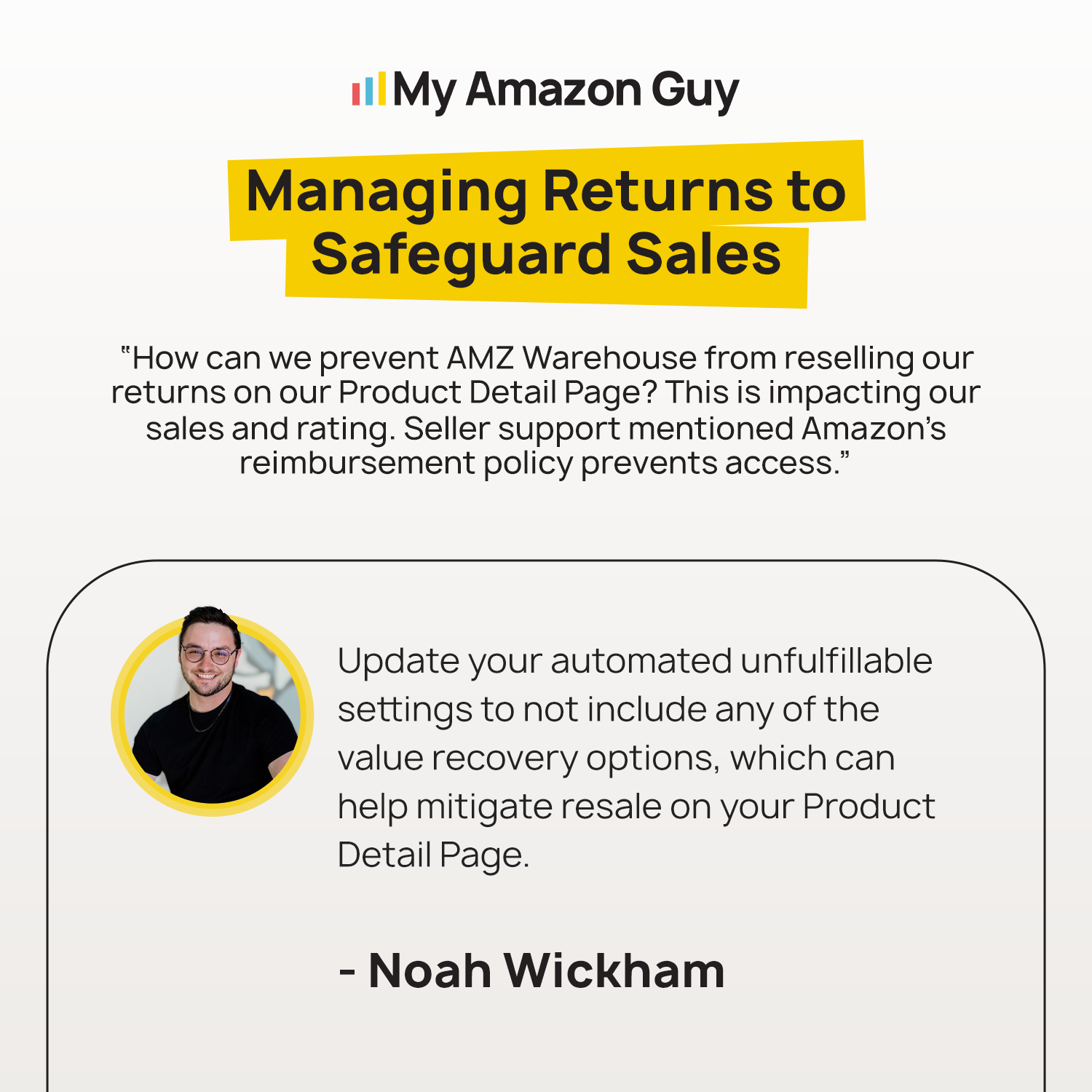
But what if damaged returns keep piling up faster than you can place removal orders by hand? In cases like these, Amazon sellers can still keep unfulfillable inventory moving by letting Amazon remove it automatically.
- Log in to Seller Central.
- Hover over Settings and click Fulfillment by Amazon.
- Scroll to Automated unfulfillable settings and click Edit.
- Select Enable.
- Choose whether Amazon should return, dispose of, liquidate, or refurbish your unfulfillable units.
- Confirm your return address and save your changes.
Once the setting is on, Amazon clears out unfulfillable units twice a month, so damaged returns never sit long enough to pile up storage fees. It also helps your Inventory Performance Index score because unsellable stock leaves the warehouse sooner.
Managing Returns to Safeguard Sales
Lost fees, written-off units, and processing charges add up fast. We put a number on it before you lose another quarter.
8 Tips to Limit Amazon Product Returns
The cheapest return is the one that never happens. These tips answer how to lower your return rate on Amazon, starting with the data that shows why buyers send items back.
1. Find the Return Reasons Behind Each ASIN
Your FBA return reasons are on the FBA Returns page in Seller Central, which Amazon refreshes three times a week. Sort by units returned rather than percentage, so you fix the ASINs costing you the most money first.
2. Match Customer Complaints to Returns
The Voice of the Customer dashboard shows Return Rate next to star ratings, so you can see what buyers complain about before they send items back. Read the negative reviews on your highest-return ASINs to find the exact words buyers use to describe the problem.
3. Answer Size and Fit Questions Up Front
Wrong size is the top reason shoppers return online purchases, cited by 54% of global shoppers. Add exact measurements, sizing charts, and compatibility lists so buyers know the product fits before they order.
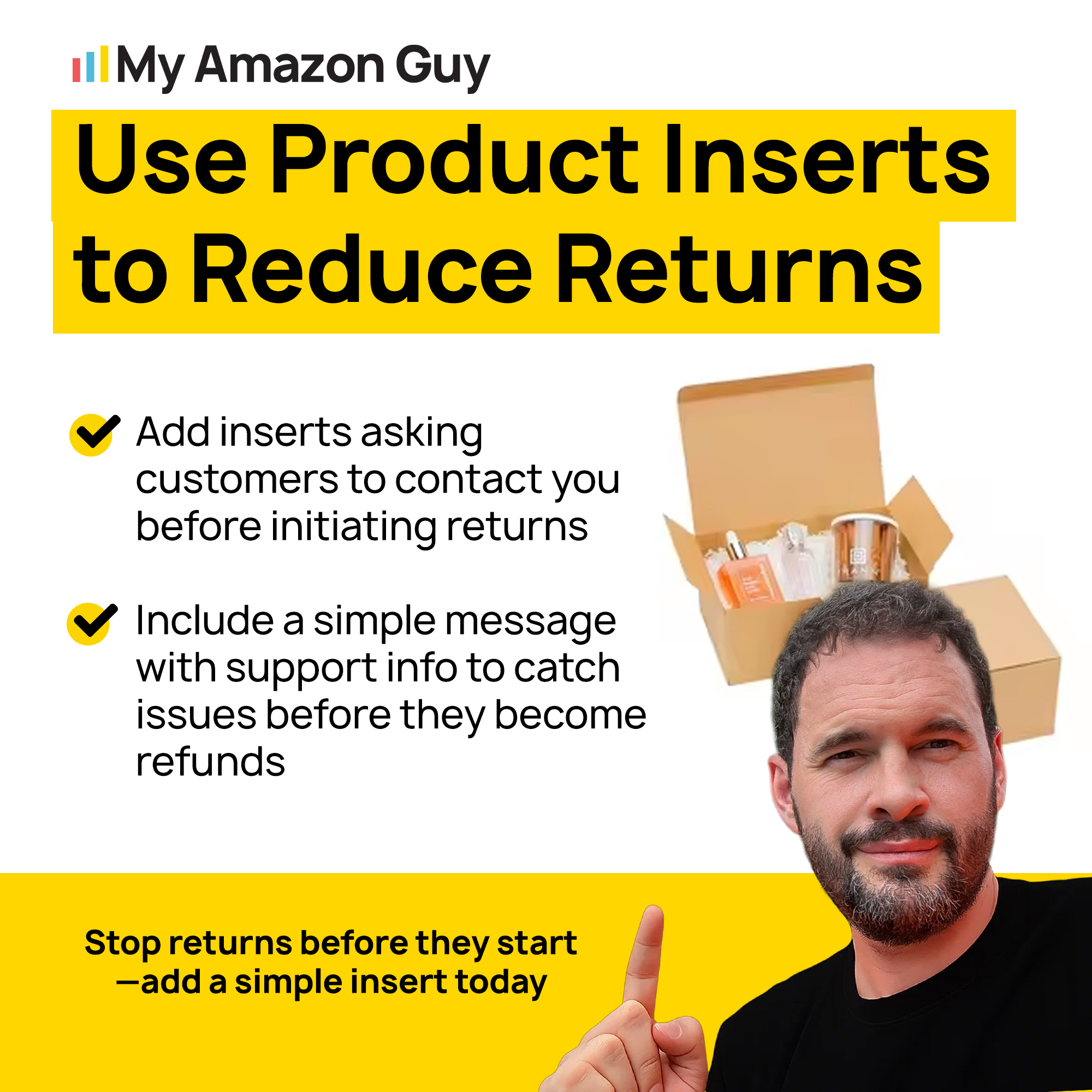
4. Add Inserts That Set Expectations
Inserts put care, setup, and use instructions in the buyer’s hands the moment they open the box. A pet brand can add a chew warning and a care card, which speak to the exact behavior driving its returns.
Use Product Inserts to Reduce Returns
5. Make Your Listing Match What Buyers Unbox
Inaccurate descriptions set expectations the product can’t meet, and they rank among the leading causes of returns. Listing optimization with true-to-life photos and honest copy closes that gap before the buyer clicks buy.
6. Fix Quality Problems at the Source
A cluster of defective returns on one ASIN usually points to a production or supplier issue, not bad luck. Share the return reasons with your manufacturer and tighten quality checks before your next production run.
7. Upgrade Your Packaging
Carrier damaged returns start with a box that can’t survive the trip to the buyer. Drop-test your packaging, add corner protection, and prep units to Amazon’s packaging requirements.
8. Document Every Order to Fight Return Fraud
Return fraud is common enough to plan for, since NRF’s 2025 returns report pegged the fraudulent share at 9%, and some sellers now film every outgoing order and incoming return. Photograph each removed unit the day it arrives and tie every photo to its return ID, since empty boxes and swapped items are only recoverable when your evidence matches the case.
How to Deal with Customer Fraud MFN FBM A-Z SAFE-T claims
How to Measure Your Amazon Returns Performance
Measuring Amazon returns means tracking a handful of KPIs on a fixed schedule, so problems show up before they hit your margin. Check claims and unfulfillable inventory every week, return rates and fees every month, and category thresholds every quarter.
| KPI | Where to find it | Cadence |
|---|---|---|
|
Refunds with no return by day 60
|
FBA customer returns report
|
Weekly |
|
Reimbursements received
|
Reimbursements report
|
Weekly |
|
Unfulfillable units on hand
|
Inventory Ledger
|
Weekly |
|
Return rate vs. category threshold
|
FBA Returns page
|
Monthly |
|
Returns processing fee dollars
|
Payments, Transaction View
|
Monthly |
|
Category return rate thresholds
|
FBA Returns page
|
Quarterly |
The returns processing fee is charged between the 7th and 15th of the third month after units ship, so fee spikes show up late. Watch the return rate itself, because by the time the fee posts, the damage is already three months old.
What Is a Good Return Rate on Amazon?
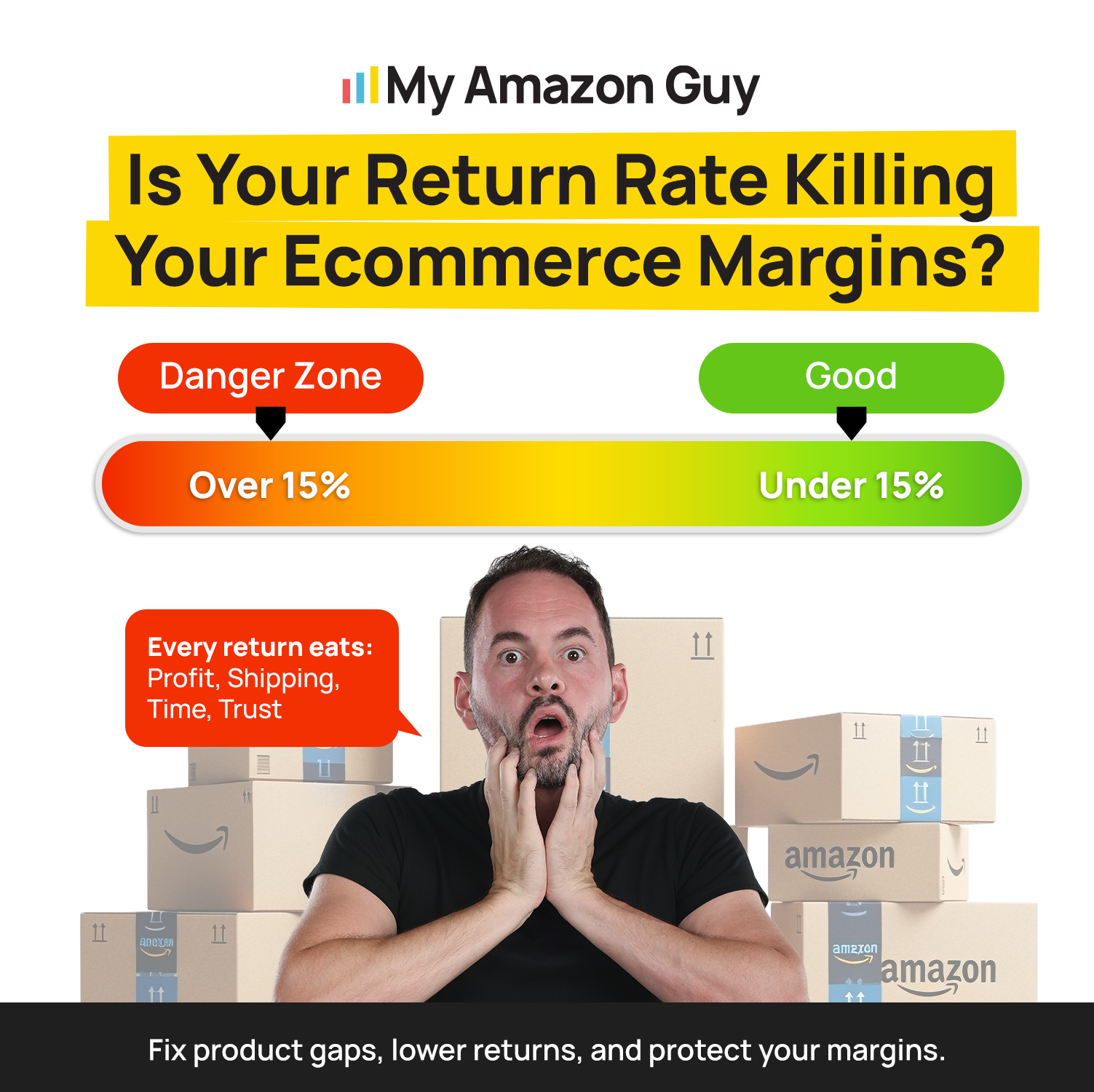
Amazon’s overall return rate sits between 5% and 15%, while apparel and electronics can run past 30%. Clothing alone accounts for a quarter of online product returns, so near-apparel brands should expect the high end.
A good return rate is one that stays below your ASIN’s category threshold for the returns processing fee. Set an alert when an ASIN reaches 80% of that threshold so you have time to fix it before fees start.
Is Your Return Rate Killing Your Ecommerce Margins?
What Happens When Amazon Flags an ASIN as Frequently Returned?
Amazon adds a frequently returned badge to your detail page, and shoppers who see it near the Buy Box start clicking competitors instead. The Voice of the Customer dashboard lists your badged and at-risk ASINs, along with the suggested return rate that gets the badge removed.
Amazon lifts the badge on its own once your return rate trends down toward that suggested level, and a Seller Support case won’t speed it up. Fix the listing gaps behind the returns first, then check the dashboard weekly so you can watch the rate move.
We wrote a song about that badge, because every seller who has watched one sink a listing knows the feeling. Hit play, then open your Voice of the Customer dashboard and see which ASIN is next in line.
Kiss of Death – MAG (Official Lyric Video)
What Changed for Amazon Returns in 2026
Amazon rewrote several return rules in 2026, and most of them hit seller-fulfilled orders. FBA sellers felt it too through per-unit fee billing and tighter claim valuation.
What Changed for Amazon FBM Refunds in 2026?
Since January 26, 2026, FBM sellers get four calendar days to refund a received return before Amazon may refund the buyer automatically, unless Refund at First Scan already paid them at drop-off. An automatic refund usually removes your SAFE-T claim rights, and any claim you can still file has to land within 60 days of the refund.
Prepaid return labels became mandatory for US seller-fulfilled orders on February 8, 2026, and buyer-seller messaging during returns went away. That leaves inserts and listing copy as your main tools for setting expectations.
What Happened to Amazon Custom Return Instructions?
Amazon removed the custom return instructions field from seller-fulfilled Return Settings in August 2026. Any packaging or condition guidance you kept there now needs to live in inserts or listing copy.
Walk through your return settings before your next return arrives. This walkthrough shows which settings still matter and what to check first.
How To Manage Your Return Settings in 2026 and Why You Should Check Them Right Now
Does Amazon's Holiday Return Window Change My Claim Deadlines?
Yes, because holiday orders stay returnable for weeks longer, which pushes your claim calendar into spring. Amazon lets most items bought from November 1 to December 31, 2025 come back through January 31, 2026, and it announced that window in mid-October.
Plan for a similar window this season and confirm the dates once Amazon posts them in Seller Central News. A buyer refunded on January 31 opens your claim window on April 1 and closes it on May 31, so log those refunds the week they happen.
Amazon Returns Case Studies
These two pet brands show both sides of Amazon returns, from the rules you can’t change to the listing fixes that pay off. The first brand wanted to fight the return window, and the second fixed what was causing its returns.
A Pet Goods Brand That Wanted to Block Chewed-Up Returns
A pet goods client came to us with 60 to 100 FBA returns every month, and many came back chewed and torn by the buyer’s dog. They asked whether they could dispute those returns, block them, or shorten the return window so pets had less time to ruin the product.
We told them FBA holds every seller to Amazon’s 30-day window, so the real fix was recovering value from each return instead of fighting it. Our advice was to turn on automated unfulfillable removals in their FBA settings, send damaged units to removal or disposal, and file claims on any unit that was refunded but never returned.
A Pet Feeder Bowl Brand That Fixed the Listings Behind Its Returns
A pet feeder bowl brand came to us in January 2024 with listing discrepancies that had triggered “Frequently Returned” badges, on top of constant suppressions and broken parent-child listings. Those problems damaged buyer trust, lowered conversion, and forced the brand to overspend on PPC just to keep sales moving.
Our team refined titles and bullets so the listings matched the product, reinstated stranded inventory, and restructured ad campaigns to cut wasted spend. The brand reached $754,119 in annual revenue in its first year with us, a 40% increase over the prior year, along with a 915% surge in impressions and 684 new-to-brand unit sales.
Frequently Asked Questions About Amazon Returns
Can I dispute a customer damaged return on Amazon?
No, you can't reverse a buyer's refund on a customer damaged return. You can open a case only if Amazon damaged the unit or it never came back, so check the reimbursements report first to avoid filing a duplicate.
Does Amazon reimburse sellers for customer damaged returns?
Sometimes, since customer damaged units may qualify for a partial reimbursement. Units damaged in Amazon's care are different and get reimbursed at your sourcing cost.
What is the Amazon returns processing fee?
It's a per-unit charge on returns above your product category's return rate threshold, measured over a three-month window. Apparel and shoes pay a flat fee on every returned unit instead.
What return rate triggers the returns processing fee?
Each product category has its own return rate threshold, and Amazon only charges the fee on returns above it. Products shipping fewer than 25 units a month are exempt.
Can I resell returned Amazon items as new?
Only if the unit is unopened and truly new, and Amazon handles that automatically when it grades a return as sellable. Opened units should go through FBA Grade and Resell and sell as used.
Do false "defective" returns hurt my account health?
Yes, repeated defective claims can land an ASIN a frequently returned item warning that drags down conversion. Inspect removed units and report false claims with photos so the pattern is on record.
Is liquidation better than disposal for Amazon returns?
Liquidation is better when a unit still has resale value, because you recover some cash instead of paying to destroy it. Disposal is better for unsafe, expired, or near-worthless units.
How do returns change the profit math on Amazon PPC?
Every ad-driven sale that comes back still cost you the click and the fulfillment fee, so a high-return ASIN makes PPC look more profitable than it is. A 30% ACoS on an ASIN with a 15% return rate works out to about 35% on the sales you keep, and PPC management that ignores returns keeps bidding into that waste.
Why do new sellers struggle to optimize Amazon product detail pages to prevent returns?
Most new sellers write detail pages to rank for keywords, so they skip the dimensions, materials, and fit details that stop a wrong-expectation return. Listing optimization built for conversion fixes both sides, which is how the pet feeder bowl brand above grew revenue 40% in its first year with us.
Should an Amazon account management service handle my return claims and cases?
Yes, once weekly claim checks start slipping, because 60-day windows punish any team that only opens its reports once a month. A third-party Amazon account management team with a dedicated case log takes that load off you, and MAG assigns 7 to 8 specialists per brand so claims, removals, and listing fixes move together.
How to Handle Amazon Returns Without Losing Money
Amazon returns are a fixed cost of selling on FBA, but the money they drain doesn’t have to stay lost. Check each unit’s condition, send it to the cheapest exit, and file reimbursement claims between day 60 and day 120 to recover what Amazon owes you.
Better listings, stronger packaging, and fraud documentation cut returns before they happen. Track your KPIs every week and month, and keep up with the 2026 rule changes, so every ASIN stays below its returns processing fee threshold.
Are you losing money on unsellable Amazon returns? Contact our full-service Amazon agency and let our experts run an Amazon account audit to find every dollar Amazon still owes you.
Better photos, real measurements, and honest copy stop the return at the buy box. Prevention beats recovery every time.